

What is Permalink?
Definition
A permalink is the full URL of a post, page or archive in a content management system, intended to stay unchanged for the long term. In systems such as WordPress the permalink format is set by a site-wide setting, and if that structure is changed after publication, every old address has to be connected to its new one with a permanent redirect.
Also known as: permanent link, permalink structure, pretty permalink, post URL, slug structure
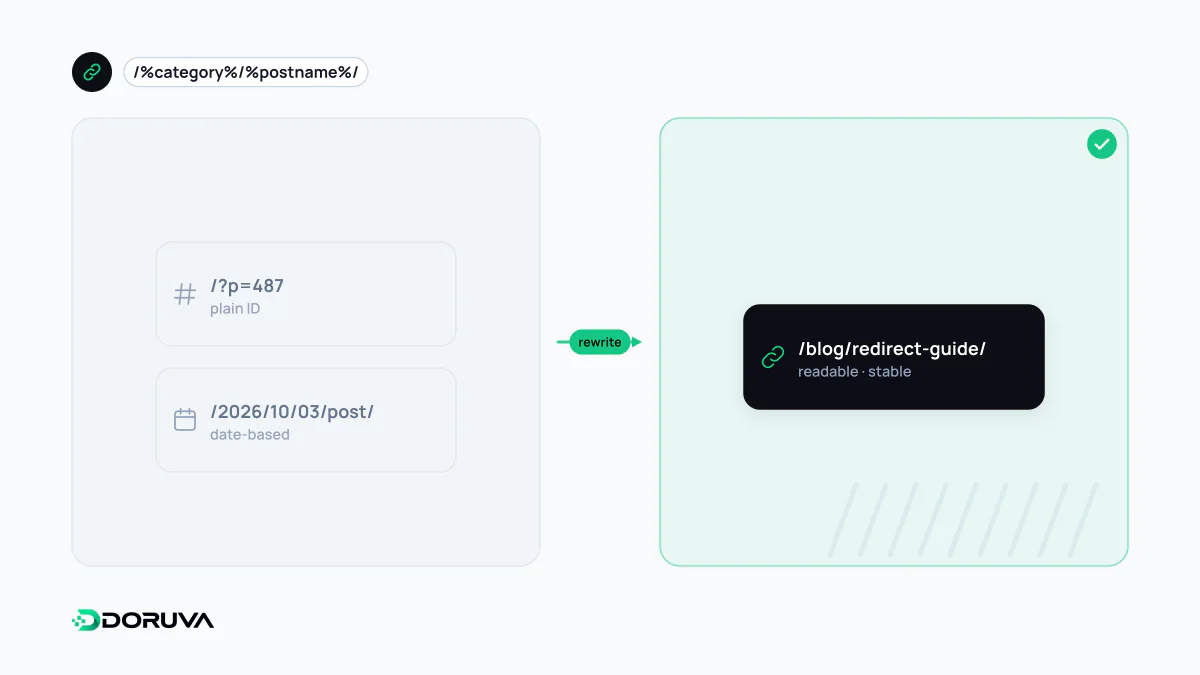
The options in WordPress
In WordPress the setting lives under Settings → Permalinks and offers six choices:
| Option | Example URL |
|---|---|
| Plain | /?p=123 |
| Day and name | /2026/10/03/sample-post/ |
| Month and name | /2026/10/sample-post/ |
| Numeric | /archives/123 |
| Post name | /sample-post/ |
| Custom structure | Any pattern built from structure tags |
Plain works on any server; the other formats need URL rewriting support on the web server. Custom structures are built from tags such as %year%, %monthnum%, %day%, %postname%, %post_id%, %category% and %author%. The WordPress documentation recommends ending the structure with %postname% or %post_id% so every post resolves to a unique URL. The category and tag bases on the same screen can be renamed but not removed without a plugin.
Choosing a structure that lasts
For most business sites and blogs, /%postname%/ is a sound default: short, readable and independent of dates. Date-based structures suit news publishers, but on evergreen guides that get updated, an old year in the URL makes fresh content look stale. Including %category% ties every URL to a taxonomy decision: move a post to another category and its URL changes, and when a post has several categories WordPress picks the one shown in the URL alphabetically. General URL structure principles still apply: short, lowercase, hyphen-separated, and transliterated to plain ASCII where titles contain accented letters.
Changing permalinks on a live site
Changing the permalink structure of a published site changes every content URL at once. Backlinks, search listings and social shares survive only if each old URL is connected to its new one with a 301 redirect; otherwise they all become 404s and broken links. WordPress does remember and redirect an individual post's old slug when that slug is edited, but do not rely on that for a site-wide structure change. Moving from a dated structure to post names can often be handled with a single nginx rule:
# /2024/05/sample-post/  →  /sample-post/
rewrite ^/[0-9]{4}/[0-9]{2}/([^/]+)/?$ /$1/ permanent;
Google's guide to site moves with URL changes recommends keeping redirects for as long as possible, generally at least a year, updating internal links to the new URLs and submitting a new sitemap. Each new page should carry a self-referencing canonical. In practice, a large structural change is a small site migration.
Verifying the switch
Before the change, export a complete list of current URLs from the sitemap and analytics. After launch, confirm that every one of them reaches a 200 page through exactly one 301; an extra hop creates a redirect chain and should be removed. The SEO Checker shows redirect and canonical status for individual pages quickly. Over the following weeks, 404 reports in Search Console reveal patterns the rule set missed.