

What is URL Structure?
Definition
URL structure is the set of conventions that determines how a site's addresses are built: the folder hierarchy, the slug that identifies each page, how parameters are used and how words are written. A good URL structure is readable, consistent and stable; it separates words with hyphens, avoids generating needless parameters and keeps the same content from appearing at several addresses.
Also known as: slug, SEO-friendly URL, URL design, clean URL
Anatomy of a URL
Every URL has the same components, and each one involves a separate decision:
| Part | Example | Note |
|---|---|---|
| Scheme | https:// | Settle on one. |
| Host | example.com | Pick www or bare domain, not both. |
| Path | /blog/brewing-coffee/ | Where hierarchy and slug live. |
| Query | ?page=2&sort=price | Filters, sorting, pagination; use with care. |
| Fragment | #step-3 | Never sent to the server; Google generally ignores it. |
The slug is the final, page-identifying part of the path: url-structure in /en/glossary/url-structure/. In WordPress and similar systems the pattern is set through permalink settings.
The writing rules Google recommends
- Separate words with hyphens. Google recommends hyphens over underscores:
brewing-coffee, notbrewing_coffee. - Use words, not opaque IDs.
/coffee-machines/espresso/tells both people and crawlers what the page is;/item.php?id=4821&c=7tells them nothing. - Stay lowercase. Google treats
/Coffeeand/coffeeas different URLs, so mixed case invites double crawling and duplicate content. - Keep parameters conventional. Use
=between key and value and&between pairs. Commas, colons and brackets as separators make URLs harder for crawlers to interpret. - Keep session IDs out of URLs. Use cookies instead of a parameter that mints a new address for every visitor.
- Don't swap content via fragments. If JavaScript shows different content, update the address to a real path with the History API.
Non-ASCII characters
Characters outside ASCII travel in URLs as UTF-8 percent-encoding: the Turkish letter ş goes over the wire as %C5%9F. Google handles such URLs fine, and browsers show them decoded in the address bar. Once copied into an email, a chat or a spreadsheet, though, the encoded form appears and the address balloons. That is why many sites in languages like Turkish or German transliterate slugs to plain ASCII. Either approach works; what matters is applying one rule everywhere, so the site never ends up with two spellings of the same folder.
Depth and hierarchy
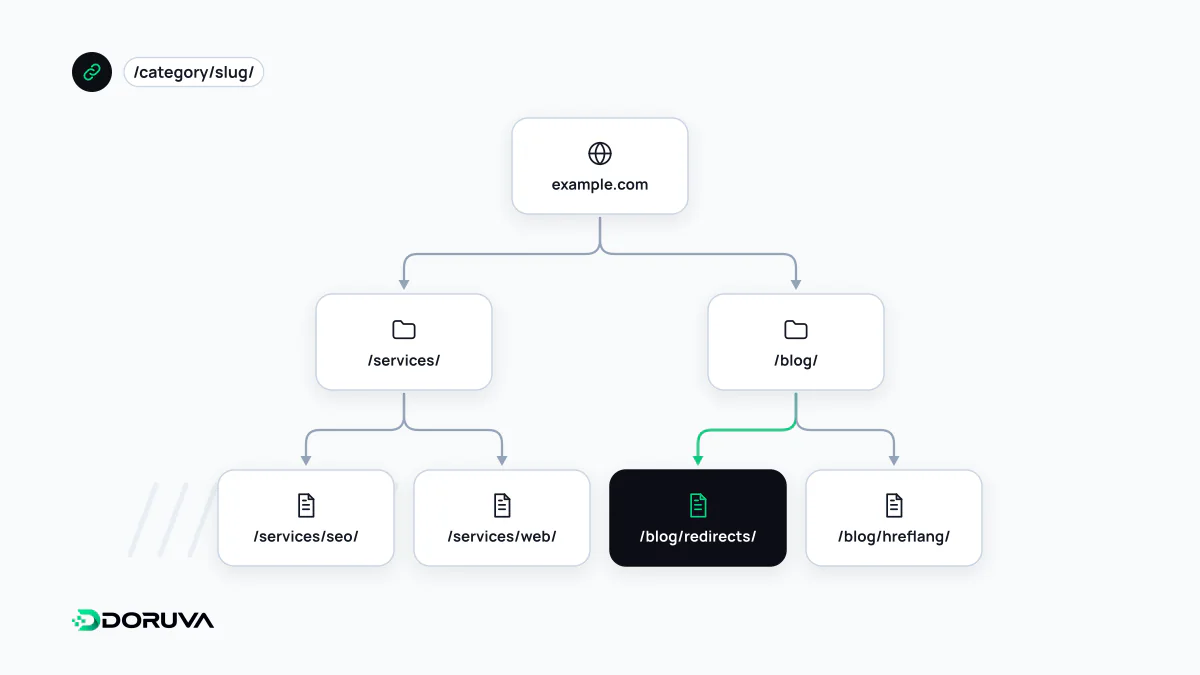
Folders that mirror the site's information architecture help visitors orient themselves and make section-level reporting in analytics easy. The number of folders is not a ranking factor, though; discovery depends on internal links, not on path depth. Long chains such as /category/sub/sub-sub/product/ also mean a product's URL changes whenever it moves category. A flatter pattern for products (/product/espresso-machine-x200/) avoids that.
What changing URLs really costs
Rewriting a working, if imperfect, URL scheme just to look tidier usually does more harm than good. Every change means a 301 redirect from each old address, updated internal links and sitemaps, and a period while Google processes the new URLs. Getting the structure right at launch is cheap; on a live site, change URLs only to fix a real problem such as parameter sprawl, duplicate addresses or unreadable IDs. Google's URL structure guidelines cover the details.