

What is Technical SEO?
Definition
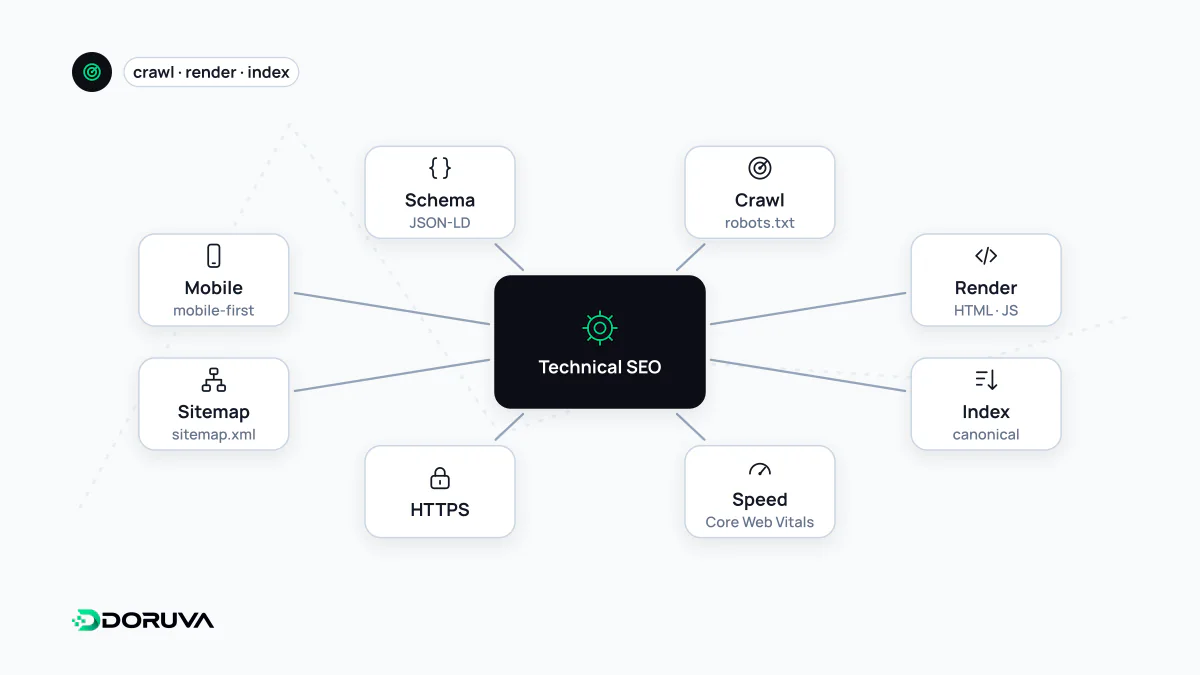
Technical SEO is the work done on a website's infrastructure so that search engines can crawl, render and index its pages without obstacles. It covers server responses, URL structure, robots.txt, XML sitemaps, canonical tags, redirects, page speed, mobile friendliness and structured data, rather than the wording of the content itself.
Also known as: technical search engine optimization, tech SEO, site infrastructure SEO
Infrastructure comes first
Even excellent content cannot rank if a search engine cannot reach the page, or reaches it and sees nothing meaningful. Technical SEO is about removing that friction: pages that can be discovered, return the right HTTP response, present their content in a readable form, and do not scatter the same content across many addresses.
Technical SEO rarely creates a ranking advantage on its own. More often it removes a ceiling, so that content and reputation work can actually show results.
Core areas to check
| Area | What to look at |
|---|---|
| Crawlability | Robots.txt rules, internal links that are real <a href> elements, server errors and response time |
| Indexability | HTTP status codes, use of noindex, consistent canonical URLs |
| Site architecture | URL structure, click depth from the homepage, the XML sitemap |
| Rendering | Whether content and links generated by JavaScript appear in the rendered HTML |
| Performance | Core Web Vitals and server speed |
| Other | HTTPS, mobile friendliness, hreflang for multilingual sites, valid structured data |
The first two rows map directly onto the two foundational steps of search: crawling and indexing. On performance, Google's "good" thresholds are LCP within 2.5 seconds, INP within 200 milliseconds and CLS of 0.1 or less, measured at the 75th percentile of page visits.
Problems that come up again and again
- A
Disallow: /line or a site-widenoindexcarried over from a staging environment. - Redirect chains with several hops, or 302 redirects used for permanent moves where a 301 belongs.
- "Soft 404" pages that return status 200 even though there is no content.
- Thousands of filter and sort parameter URLs showing the same products.
- Navigation that only works through JavaScript click handlers, which crawlers cannot follow.
- The canonical tag pointing to one URL, the sitemap listing another and internal links using a third.
How to run a technical audit
- Search Console: the Page indexing report, URL Inspection, Crawl stats and the Core Web Vitals report show what Google actually sees.
- A full site crawl: crawl the site with an SEO crawler to review status codes, redirects, canonicals and meta robots values in bulk.
- Server logs: check which URLs bots request, how often, and what responses they receive.
- Template spot checks: for each key template (product, category, article), verify the rendered HTML and HTTP headers by hand.
To see the core technical signals of a single URL, such as crawlability, status code, title tags and sitemap discovery, the SEO Checker is a practical starting point.