

What is Semantic HTML?
Definition
Semantic HTML is markup chosen for what content means rather than how it looks: nav for navigation, main for the primary content, h1 to h6 for headings, button for actions and an a element with an href for links. Because the structure and role of each part are stated in the code, browsers, screen readers, search engine crawlers and AI systems can understand the page without guessing from its visual styling.
Also known as: semantic markup, HTML semantics, semantic elements, HTML5 semantic elements
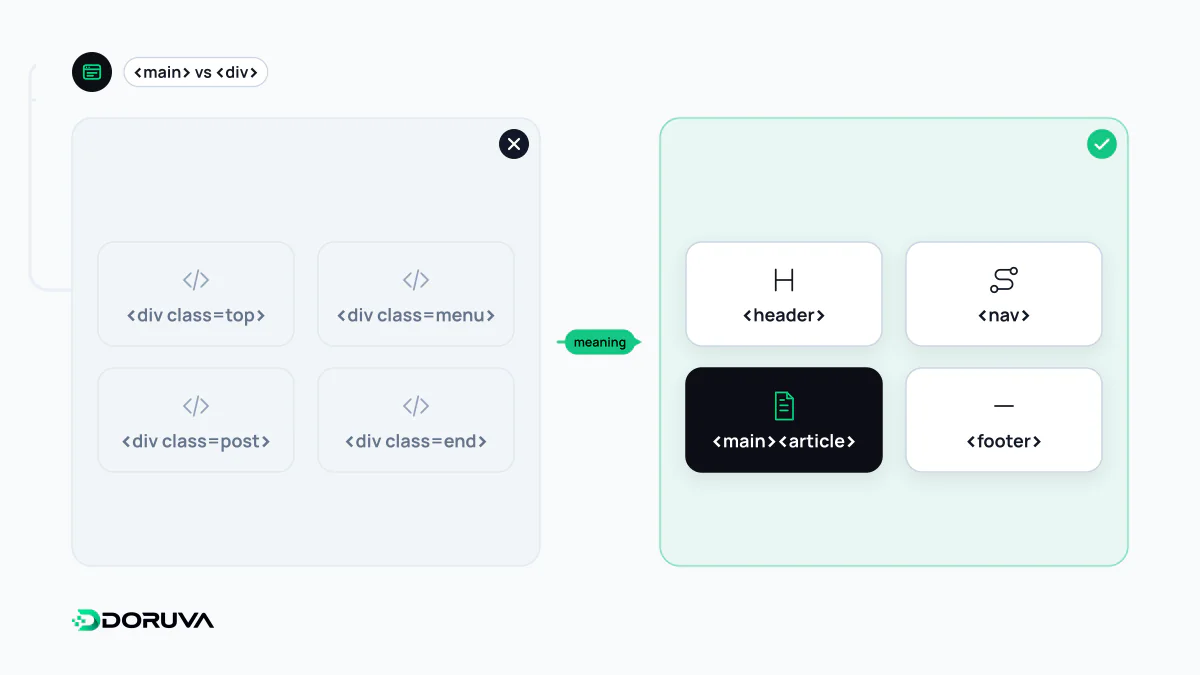
Same pixels, different meaning
With enough CSS a <div> can pass for a button and a <span> for a heading. Nobody looking at the screen can tell. The difference shows up for everything that reads the page from its code instead of its pixels. These two fragments can render identically:
<!-- Structure without meaning -->
<div class="top">
  <div class="menu"><span onclick="go('/seo/')">SEO</span></div>
</div>
<div class="content"><div class="title">Technical SEO</div>…</div>

<!-- Semantic structure -->
<header>
  <nav aria-label="Main"><a href="/seo/">SEO</a></nav>
</header>
<main><h1>Technical SEO</h1>…</main>
In the second version a screen reader user can jump straight to the menu or the main content and move from heading to heading, and a crawler can follow the link. It is also shorter.
Landmarks and implicit roles
Most HTML elements carry an implicit accessibility role, so there is no need to restate it with ARIA. The landmark elements that make up a page's skeleton:
| Element | Implicit role | Note |
|---|---|---|
<header> | banner | Only at page level; inside article, section, main and similar it is not a landmark. |
<nav> | navigation | With several menus, tell them apart with aria-label. |
<main> | main | One visible instance per page. |
<aside> | complementary | Related to the main content but separable from it. |
<footer> | contentinfo | Like header, only at page level. |
<section> | region | Only when it has an accessible name; otherwise generic. For a styling wrapper, use a div. |
Buttons, links and clickable divs
The rule is short: if it takes you somewhere, it is an <a href>; if it does something on the page, it is a <button>. A clickable div cannot be focused with the keyboard and means nothing to a screen reader. There is a search consequence too: Google says it can generally only crawl a link if it is an <a> element with an href attribute, so menu items that navigate through a JavaScript handler on a span make pages harder to discover.
The same thinking applies elsewhere: <table> with <th> for tabular data, <ol> for steps, <time datetime> for dates and <label> for form fields.
Headings as the outline
Many screen reader users skim a page by jumping between headings, so each page should have an <h1> describing it, followed by a logical sequence of levels; see heading structure. Do not count on nested section elements to adjust heading levels automatically; write the levels explicitly. Google's SEO Starter Guide says using headings out of order does not matter from Google Search's perspective, but a sensible order still matters for accessibility and for readers.
What it does for search engines and AI systems
Semantic markup is not a ranking guarantee; Google acknowledges that much of the web is not valid HTML and processes it anyway. The benefit is indirect but real: crawlable links, main content that can be separated from menus and footers, headings that line up with questions, and data marked up as lists and tables. Those properties make life easier for systems that split pages into passages, and they are the groundwork for machine-readable content and answer extractability. Semantic HTML describes structure; stating entities and their relationships explicitly is the job of structured data.