

What is HTML?
Definition
HTML (HyperText Markup Language) is the markup language that defines the content and structure of web pages. Pieces of content such as headings, paragraphs, links, images, tables and forms are marked up as elements, and attributes add behaviour or extra information to those elements. CSS handles presentation and JavaScript handles interactivity. Modern HTML is published by the WHATWG as the HTML Living Standard, which is updated continuously.
Also known as: HyperText Markup Language, HTML5, HTML Living Standard
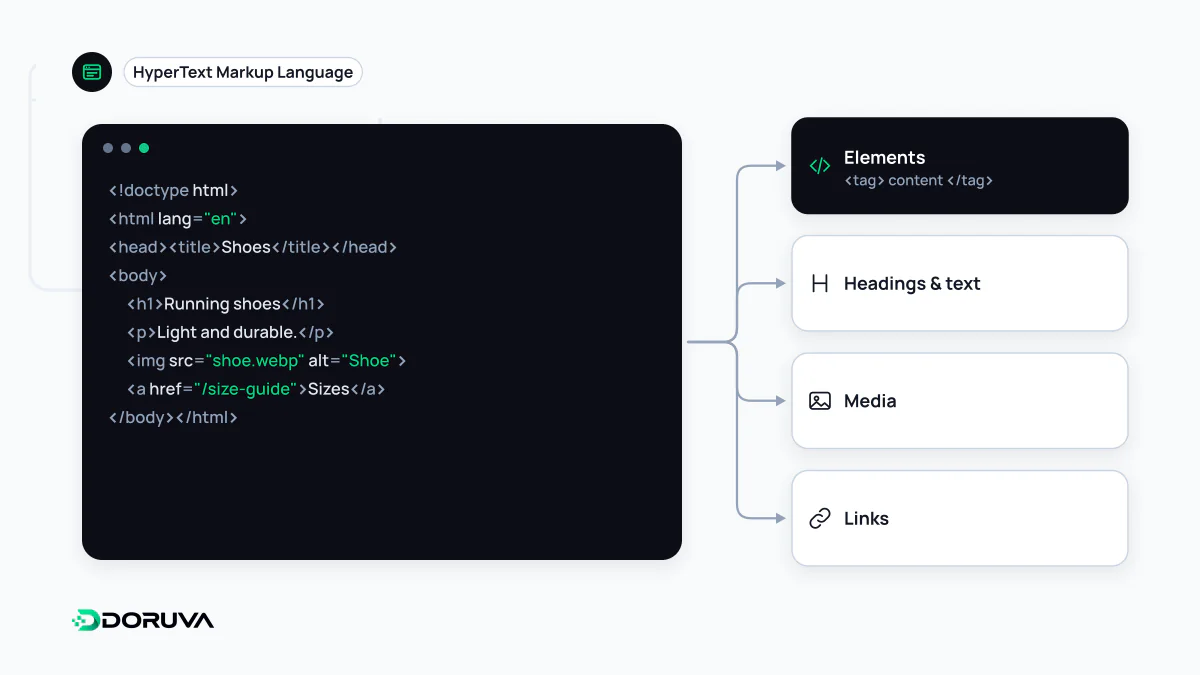
Elements, tags and attributes
These three words are often used interchangeably, but they mean different things:
<a href="/contact/" lang="en">Get in touch</a>- Tags: the opening
<a>and closing</a>markers. - Element: the opening tag, the content and the closing tag together; the link itself.
- Attributes: name-value pairs inside the opening tag.
hrefsets where the link goes;langdeclares the language of its content.
Some elements have no content and no closing tag. <img>, <br>, <meta> and <input> are examples, known as void elements. Nested elements form a tree, which the browser parses into the DOM in memory.
The skeleton of a document
<!DOCTYPE html>
<html lang="en">
  <head>
    <meta charset="utf-8">
    <meta name="viewport" content="width=device-width, initial-scale=1">
    <title>Corporate Web Design Services</title>
    <meta name="description" content="A short summary of the service.">
    <link rel="stylesheet" href="/styles.css">
  </head>
  <body>
    <header>…</header>
    <main>
      <h1>Corporate Web Design</h1>
      <p>…</p>
    </main>
    <footer>…</footer>
  </body>
</html>
<!DOCTYPE html> puts the browser in standards mode; without it the page renders in "quirks mode", which emulates old browser bugs. The <head> holds information visitors don't see but browsers and search engines rely on: character encoding, viewport settings, the page's title tag, its description and stylesheets. The <body> holds the visible content. The lang attribute helps screen readers choose the right pronunciation and lets browsers offer translation.
From HTML5 to a Living Standard
For years HTML moved forward in numbered versions: HTML 4.01, XHTML 1.0, HTML5. Today there is a single current specification, the HTML Living Standard, maintained by the WHATWG, whose members include the major browser vendors. In 2019 the WHATWG and W3C signed an agreement to work together on that one version of HTML. "Living" means the standard is updated continuously rather than frozen into periodic releases. "HTML5" survives mostly as a popular label for modern HTML; the document browsers actually implement is the Living Standard.
Forgiving parsing, and its surprises
HTML is forgiving: an unclosed tag or badly nested elements will not crash a page. Unlike earlier specifications, the Living Standard defines in detail how invalid documents must be processed, so every browser turns the same broken markup into the same tree. That tree is not necessarily the one the author intended, though. Put a <div> inside a <p> and the parser closes the paragraph early, so styles and scripts end up targeting the wrong elements. The W3C's Nu HTML Checker catches problems like these before they ship.
Content, presentation, behaviour
HTML says what the content is, CSS says how it looks, and JavaScript says how it behaves. Keep that split and the content stays readable even when styles or scripts fail to load. Search engines and AI systems also understand a page primarily through its HTML: titles, heading structure, links and image alt text all live in this layer. Choosing elements for their meaning, a <button> rather than a clickable <div>, a <nav> around the menu, is covered in depth under semantic HTML.