SEO
Local SEO: Standing Out in Your City with Google Business Profile
Local SEO is what gets your business shown for “near me” and neighborhood searches, in Google Maps and in local results. This guide explains how Google ranks local results and how to set up your profile, reviews and website to match.
By Mehmet ÇalışırPublished 10 min read
Contents
This guide is for businesses that win customers within a specific area: clinics, restaurants, shops, salons, law firms, or a plumber who covers a handful of neighborhoods. We start with how Google decides which local businesses to show, then work through your profile, your reviews and your website one at a time.
What is local SEO, and who needs it?
Local SEO means optimizing a business so it appears in searches tied to a particular city, district or neighborhood, including map results and local business listings. Unlike classic SEO, the ranking depends not only on what is on your pages but also on where you are physically located, how your map listings look and how well known you are in your area.
When someone types “pharmacy near me” or “nail salon downtown” on their phone, Google usually shows a map first, with a short list of businesses underneath. For any business that relies on walk-ins or phone bookings, getting into that list can matter even more directly than where the website ranks organically.
Local SEO does not replace technical health. A site that cannot be crawled, loads slowly or breaks on mobile drags local efforts down with it. Before you start on local work, it is worth running through our technical SEO checklist to make sure the foundations are sound.
How does Google rank local results?
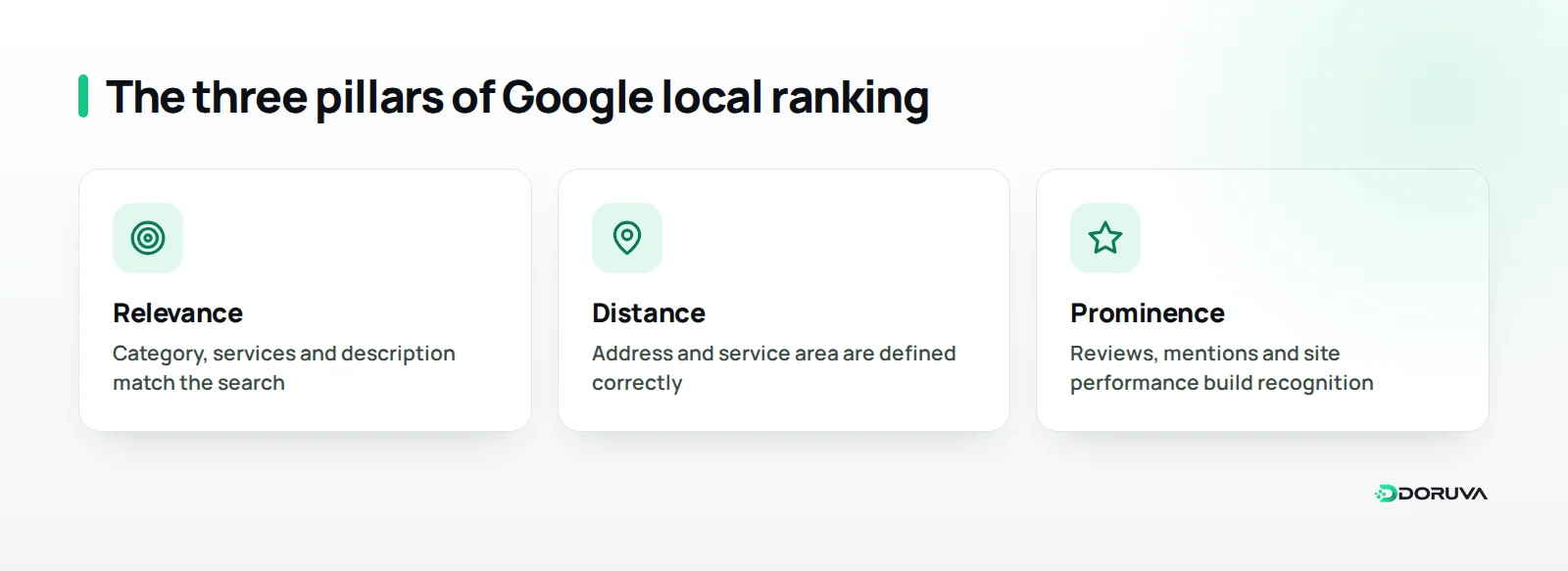
Google says openly that local results are based mainly on three factors: relevance, distance and prominence. Its guide to improving your local ranking explains them for business owners, and every piece of local SEO work supports at least one of them.
- Relevance: how well your profile matches what the person is looking for. The right category, a clear list of services and a complete description drive this.
- Distance: how far you are from the location in the search, or from the searcher. You cannot change it, but you can make sure your address and service area are defined correctly.
- Prominence: how well known your business is. Review count and rating, mentions across the web, links and your site's overall search performance all feed into it.
In practice, because you cannot control distance, you compete on relevance and prominence. A dental clinic a little further away, with the right category, current photos and reviews it replies to, can appear ahead of a closer clinic whose profile was set up once and never touched again.
How do you set up a complete Google Business Profile?
A complete profile gives Google an accurate, current answer to every question it might ask about your business. Google Business Profile is free, yet many businesses claim it once and leave half the fields empty, which costs them visibility.
Ownership and verification
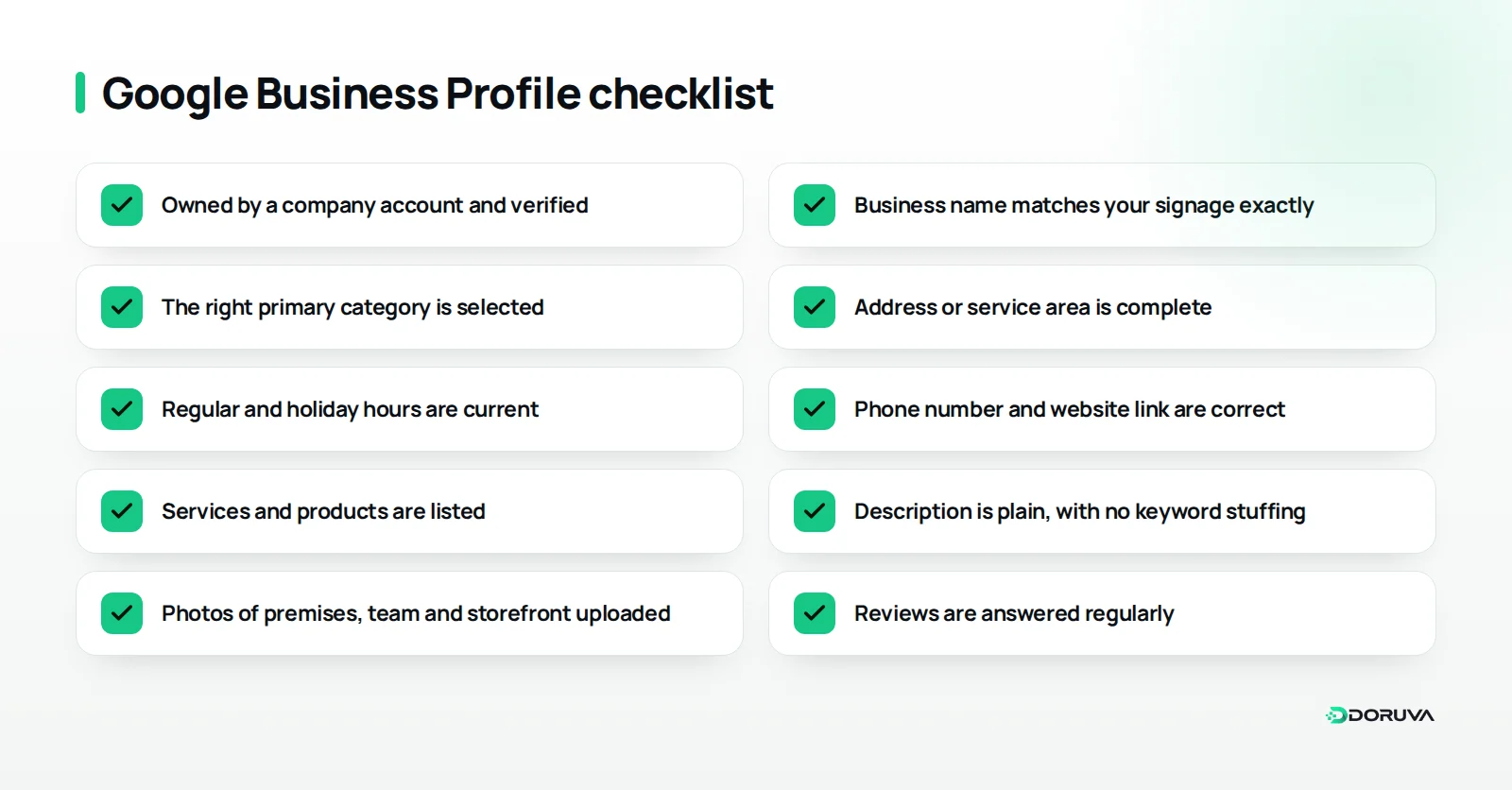
Start by claiming and verifying the profile. Google decides which verification method to offer based on the type of business, so complete whichever one you are given. The primary owner should be a company account, not an employee's personal login or your agency; add staff and outside partners as managers. That way you never lose access when someone leaves.
Business name and categories
Use your business name exactly as it appears on your signage, invoices and in everyday use. Adding words like “best”, a city name or a list of services breaks Google's guidelines for representing your business and can get the profile suspended. Your primary category is the strongest relevance signal on the profile, so choose precisely, for example “Dentist” versus “Orthodontist”, and add secondary categories only for services you genuinely offer.
Address, service area and hours
If customers visit you, enter the full address as it appears on the street. If you go to them, as a plumber, cleaning company or mobile mechanic does, you can hide your address and list the areas you serve instead. Keep opening hours current and add special hours for public holidays. Showing “open” when the door is locked is the fastest route to a one-star review.
Services, products, description and photos
Fill in services and products using the words customers would search for. In the description, say plainly what you do, who you do it for and what sets you apart, without stuffing keywords. Upload photos of the real premises, the team, your products and the storefront; an exterior shot helps people recognize you from the street. Use the updates section regularly for offers, events or new services.
What is NAP consistency, and why does it matter?
NAP stands for name, address and phone number, and NAP consistency means those three details are written the same way in every listing across the web. Google and other map services compare these details across sources, and inconsistencies create doubt about who you are and where you actually are.
A typical example: a café moves to a new street and updates its Google profile, but the old address is still in the website footer, the Instagram bio and an old directory listing. Customers walk to the wrong place, and another map app keeps showing the previous location. Problems like this only surface with a regular check.
| Source | What to check | Suggested frequency |
|---|---|---|
| Your website (contact page, footer) | Name, full address, tappable phone number, map location | Every time something changes |
| Google Business Profile | Name, address or service area, phone, hours, website URL | Monthly |
| Apple Maps (Apple Business Connect) | Map pin, address, phone, hours | Quarterly |
| Bing Places and other regional map services | Current address and phone, duplicate listings | Quarterly |
| Social media profiles | Address, phone and link in the bio | Every time something changes |
| Industry directories and platforms | Old addresses, closed branches, duplicates | Twice a year |
Treat these frequencies as a starting point. When your address, phone number or hours change, the healthiest habit is to update the whole list on the same day. Writing the phone number in one consistent format and keeping separate but matching listings for each branch makes the job much easier.
How do customer reviews affect local visibility?
Reviews are part of Google's prominence signal and also the first thing a customer looks at before choosing. Google's own help pages note that high-quality, positive reviews can improve your business's visibility, and they encourage owners to respond to them.
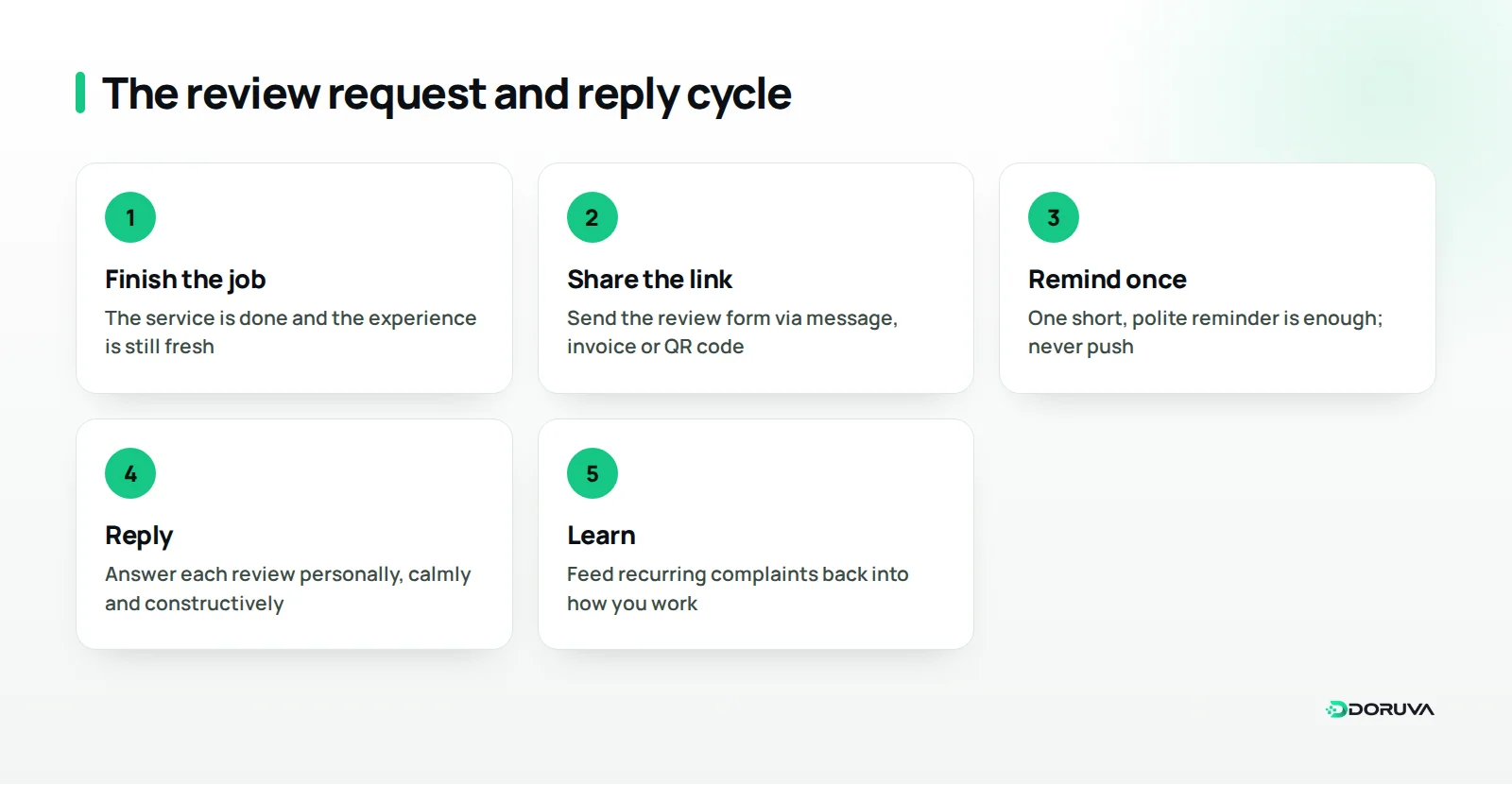
Treat asking for reviews as a normal step in your service, not a one-off campaign. A dental clinic can add a short review link to its follow-up message after treatment, a café can put a QR code on a small card by the till, and a plumber can include the link on the invoice. Google Business Profile gives you a shareable link that opens the review form directly.
The limits are just as clear. Google's policies for user-contributed content do not allow fake reviews, reviews offered in exchange for discounts or gifts, or selectively asking only happy customers to leave one. Reviews like these can be removed, and the profile itself can face penalties.
How should you reply to reviews?
- Reply to every review, positive or negative, within a reasonable time.
- For positive reviews, write a short thank-you that mentions the person and the service they described; avoid copy-pasted replies.
- For negative reviews, acknowledge the issue without getting defensive, move the conversation to a private channel such as phone or email, and follow through on what you promise.
- Never reveal personal details such as a customer's health condition, order or payment in a reply. This matters most for clinics and law firms.
How does your website support local SEO?
Your website is the main source that confirms and expands on what your Google Business Profile says. The profile answers “what, where and when” in a few lines; the site answers “why you” in depth, and it is where the website link on your profile leads.
Location and service pages
If you have several branches, give each one its own page with the address, a map, opening hours, photos of that location, the team and directions. If you serve many districts from one base, do not clone the same text and swap the area name. Pages like that count as thin content and hurt both users and rankings. Create an area page only when you have something genuinely specific to say about it, such as typical jobs there, travel times or questions local customers ask.
Structured data
LocalBusiness structured data on your home or contact page describes your name, address, phone, hours and location in a machine-readable way. Google's local business structured data documentation lists the supported properties. The values must match the NAP on your profile and site exactly. The same data also helps AI assistants identify your brand correctly, which we cover in more detail in how AI understands your brand.
Mobile experience and speed
A large share of local searches happen on a phone, often on the move. A site where the phone number is one tap away, directions open with one click and pages load quickly turns profile visitors into customers. You will find the metrics that matter and how to improve them in our Core Web Vitals guide.
How do you measure local SEO results?
The most reliable way to measure local SEO is to look at customer actions rather than rankings alone: calls, direction requests, website visits and bookings. The performance view in Google Business Profile shows which searches your profile appeared for and how many people called, asked for directions or clicked through to your site.
- Review profile performance monthly: compare views and actions with the previous period and with the same month last year, since local businesses are often strongly seasonal.
- Tag the profile link: add UTM parameters to the website URL on your profile so your analytics tool can separate profile visits from other organic traffic.
- Check local queries in Search Console: filter for queries containing your city or neighborhood names and see which service pages show up for them.
- Track your reviews: new review count, average rating and reply time are concrete numbers the whole team can discuss.
- Ask your customers: “How did you find us?” on the phone or in a form is a simple habit that fills gaps no tool can.
What are the most common local SEO mistakes?
Most local SEO mistakes are about consistency, not technology: the profile gets set up and then forgotten. Reviewing the list below at least twice a year catches most problems before they grow.
- Adding a city or service to the business name.
- Choosing the wrong primary category, or one that is too broad.
- Leaving old listings untouched after a move, a new phone number or a branch closure.
- Running more than one profile for the same business, or ignoring duplicates.
- Not entering holiday hours.
- Ignoring negative reviews, or arguing with the reviewer.
- Cloning the same page for every district you serve.
- For multi-location businesses, linking every profile to the home page instead of the matching location page.
Summary: your next steps to stand out locally
Local SEO is less a one-time setup than a habit that needs regular care. A verified profile with the right category, identical NAP details everywhere, a steady review routine and a fast website that supports local searches: once those four foundations are in place, you can compete even in searches where distance is not on your side.
To get started this week:
- Check who owns your Google Business Profile and review every field.
- Compare your NAP details across the sources in the table above and fix any differences.
- Write a short review request you can send to recent customers.
- Scan your site with our free SEO checker to spot technical gaps.
If you manage several locations, a crowded neighborhood market or a newly opened business, planning your profile, website and content together makes a real difference. To tackle it end to end, take a look at our SEO services or get in touch for a roadmap built around your business.
Frequently Asked Questions
Does a Google Business Profile cost anything?
No. Creating, verifying and managing a Google Business Profile is free. Google's advertising products are separate paid services, and you do not need to run ads for your profile to appear in local results.
Can I do local SEO without a physical storefront?
Yes. If you travel to your customers, you can set up your profile as a service-area business, hide your address and list the cities or districts you serve.
How long does local SEO take to show results?
There is no fixed timeline. Profile fixes such as category, hours and address can show up relatively quickly, while reviews and prominence build gradually through consistent work.
Can I get an unfair negative review removed?
You can report a review that breaks Google's policies, for example one that is fake or abusive. A review that follows the policies cannot be removed, so a calm, solution-focused reply is your best response.
How should a business with several branches approach local SEO?
Create a separate Google Business Profile and a separate location page on your website for each branch. Each profile should link to its own location page, and name, address and phone details must match across every source.