

What is WooCommerce?
Definition
WooCommerce is an open-source ecommerce plugin that adds a product catalog, cart, checkout, order management and inventory to a WordPress site. Developed by Automattic, it runs on WordPress's plugin architecture, and features such as payment gateways, shipping integrations or subscriptions come from extensions. Because the store runs on your own hosting, you keep full control of data and code, along with responsibility for maintenance and security.
Also known as: Woo, WooCommerce plugin, WordPress ecommerce
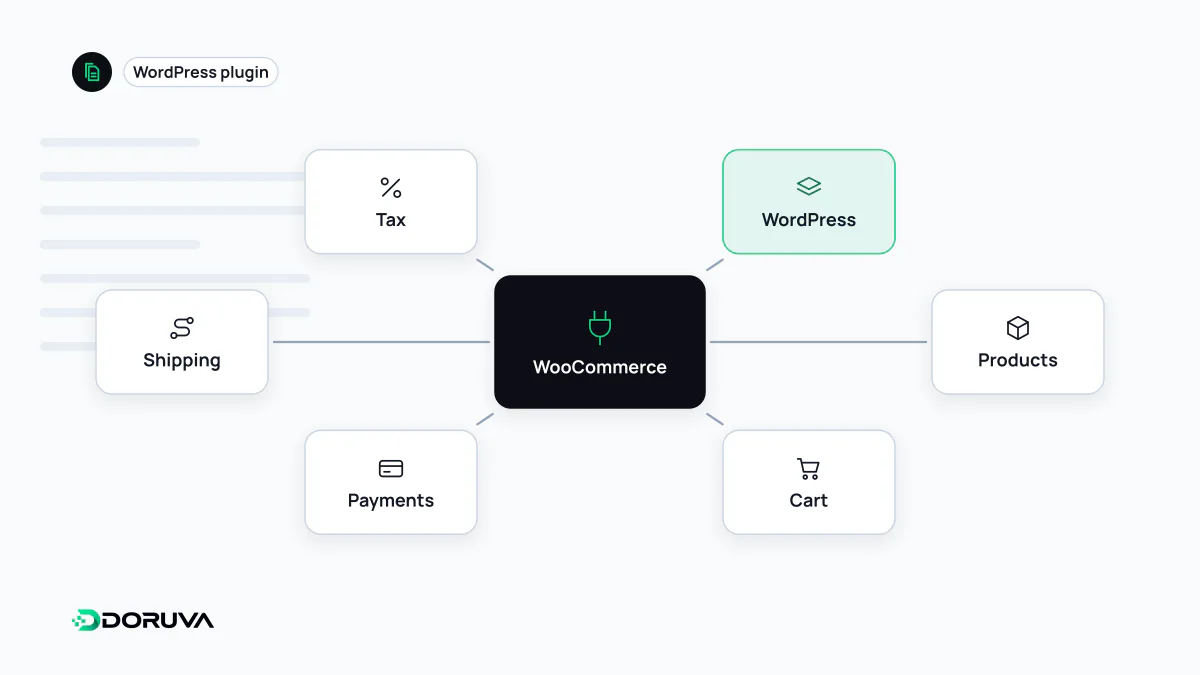
A store built inside WordPress
WooCommerce is not a separate application but a WordPress plugin. Once installed, it extends WordPress's content system for selling: products are stored as content of the product type, product categories and tags work as taxonomies, and shop pages render through the active theme. The blog, the company pages and the store share one dashboard.
Products can be simple (one price, one stock level) or variable. For items with options such as size and color, each combination becomes a product variant with its own price, stock and SKU. Grouped and external product types exist as well.
Orders and HPOS
For years WooCommerce stored orders in WordPress's generic posts and post meta tables, which slowed queries down as order volume grew. According to the developer documentation, High-Performance Order Storage (HPOS) has been the default for new installations since version 8.2, released in October 2023. It keeps orders in dedicated, properly indexed tables designed for ecommerce. Older stores migrate on their own schedule, and every extension in use should be confirmed HPOS-compatible before switching.
Payments and card data
WooCommerce is not a payment provider. Money is collected through payment gateway extensions supplied by banks and payment companies, so early in a project you check which local providers offer a WooCommerce integration and whether they support 3-D Secure and the payment options your customers expect.
The most important security decision is where card details are entered. When the card number is captured on a page or embedded field hosted by the provider, card data never touches your server, which shrinks your PCI DSS scope considerably. Collecting cards in your own form and passing them through your server does the opposite.
Hosting and performance
On a brochure site, nearly every page can be served from cache. In a store, the cart, checkout and account pages are personal to each visitor and must not be cached. A WooCommerce site therefore needs more server capacity than a blog with the same traffic. Web hosting with enough PHP workers, a well-tuned database and correct cache exclusions makes the difference, especially during sales. Background jobs, such as order emails and stock syncs, also need to be triggered reliably.
WooCommerce or a hosted platform?
| WooCommerce | Hosted platform (e.g. Shopify) | |
|---|---|---|
| Code and data | Entirely yours, on your server | On the platform; export options depend on it |
| Updates and security | Handled by the store owner or their agency | Infrastructure managed by the platform |
| Customization | Almost unlimited at code level | Within the platform's APIs and extension points |
| Content integration | Blog and company content in the same WordPress | The platform's own content tools |
Which fits better depends on whether you have technical support, how complex the catalog is, and how unusual your checkout and business rules are. Either way, the routine after an update is the same: back up, update on staging, run a full test order, then go live.