

What is Product Schema?
Definition
Product schema is structured data that describes a product's name, image, price, currency, availability and reviews using schema.org's Product and Offer types. Google uses it for two experiences: product snippets for pages where the product can't be bought directly, such as reviews, and merchant listings for pages where it is sold. Valid markup makes a page eligible; it doesn't guarantee display.
Also known as: Product structured data, product markup, Product rich snippet, merchant listing markup
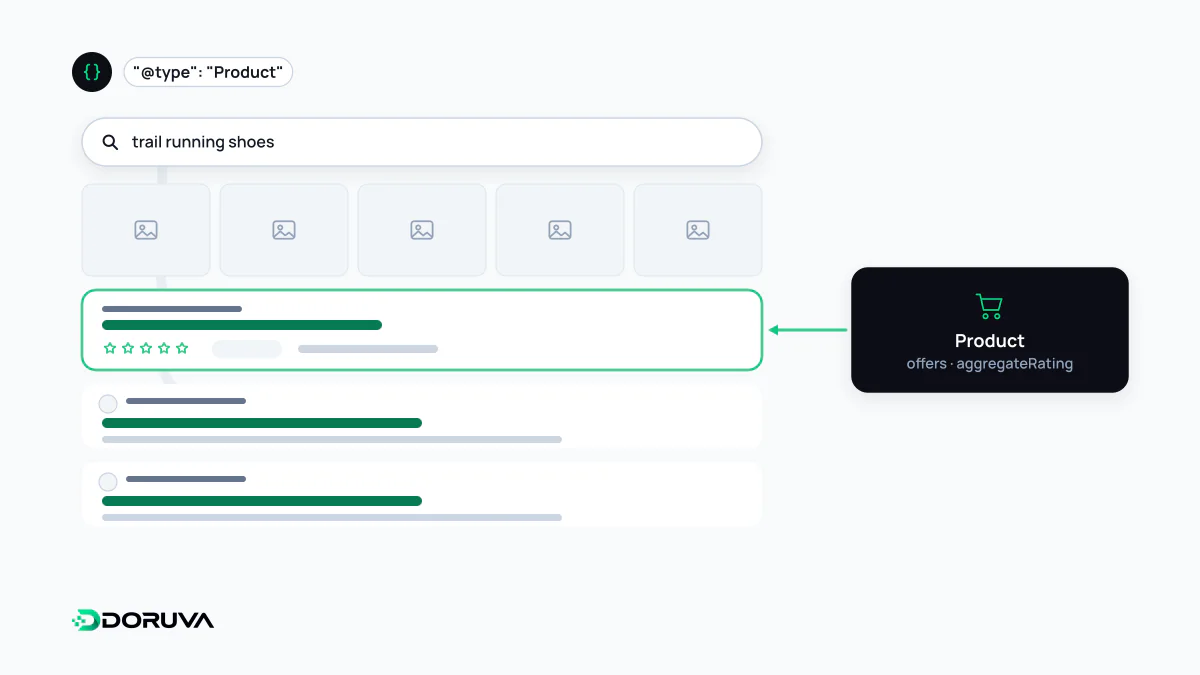
Product snippets vs merchant listings
Google splits product markup into two classes, and the dividing line is whether the product can be bought on the page:
| Product snippet | Merchant listing | |
|---|---|---|
| Which pages? | Pages where the product can't be bought directly: reviews, comparisons, editorial content | Pages where customers can buy the product from you |
| Required | name plus one of review, aggregateRating or offers | name, image, offers (with price and priceCurrency in the Offer) |
| Where it can appear | Text results enriched with ratings, reviews, price and availability | Shopping knowledge panel, Google Images, popular products and product snippets |
Google is explicit that only pages where a shopper can purchase the product are eligible for merchant listing experiences, not pages that link out to another seller. A product page that supplies all the merchant listing requirements is also eligible for product snippets.
The smallest valid example
{
  "@context": "https://schema.org",
  "@type": "Product",
  "name": "Steel Flask 500 ml",
  "image": "https://shop.example.com/img/flask-500.jpg",
  "sku": "FLK-500-BLK",
  "offers": {
    "@type": "Offer",
    "url": "https://shop.example.com/steel-flask-500-ml/",
    "price": "24.90",
    "priceCurrency": "GBP",
    "availability": "https://schema.org/InStock"
  }
}
Currency uses the three-letter ISO 4217 code (GBP, EUR, USD). The price is a plain number with a dot as the decimal separator, not "£24.90". Availability takes schema.org enumeration values such as InStock, OutOfStock or PreOrder, and priceValidUntil is recommended for prices that expire on a set date.
Variants and store-wide policies
When a product comes in several variants, such as colours or sizes, Google supports variant markup that ties them to one parent product; in schema.org that structure is built with the ProductGroup type. Each variant keeps its own price and availability while it is clear they belong to the same family.
Information that applies to the whole store, like the return policy or a loyalty programme, is best defined once under your Organization markup rather than repeated on every product.
Working alongside Merchant Center
Google recommends providing product data both through on-page structured data and through Google Merchant Center, noting that some experiences combine the two when both exist. That creates a consistency burden: the price in your product feed, on the page and in the markup must agree. If a sale price is updated on the page but not in the markup or feed, shoppers won't find the price they saw in search.
Problems we see in practice
- Cached pages that keep saying "InStock" after the item has sold out.
- Category pages outputting a full Product block for every listed item; product markup belongs on the product detail page.
- Marking up reviews or ratings that aren't visible on the page, which breaks Google's structured data guidelines and can cost rich result eligibility.
- Writing the price as text with a currency symbol ("£24.90").
In online stores this markup is generated by the product template, not by hand, so e-commerce SEO work should check that the template outputs correct data for every product type: single price, variants and out of stock.