

What is Knowledge Panel?
Definition
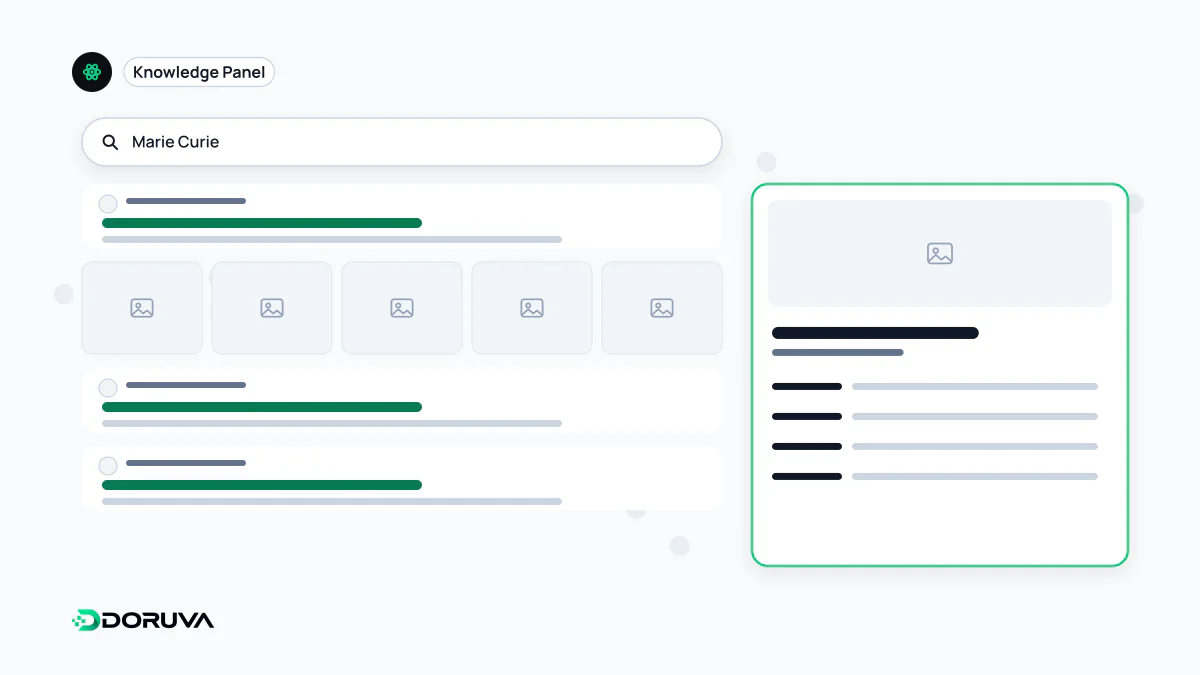
A knowledge panel is the information box Google shows on the results page when someone searches for a person, organisation, place or thing that exists in its Knowledge Graph, giving a quick summary of facts about that entity. Panels are generated automatically from sources across the web, data partners and edits suggested by verified entities, and an official representative can claim a panel to suggest changes.
Also known as: Google knowledge panel, knowledge card, knowledge box, entity panel
Panel, graph and profile are different things
The three are often lumped together, but each sits on a different layer:
| Concept | What it is | Who controls it |
|---|---|---|
| Knowledge Graph | The data layer of entities and their relationships | |
| Knowledge panel | The box on the results page that draws on that data | Google; a verified representative can only suggest changes |
| Google Business Profile | A listing for businesses serving customers at a location or within a service area | The business owner |
The box that appears for an author, a company or a film is a knowledge panel. The card with a map for a local café looks similar but is a Business Profile, managed through a separate system. Google's own help pages draw the same line.
Where the information comes from
Google says panels are generated automatically and their information comes from various sources across the web. For some topics, such as films or music, it works with data partners that supply authoritative data and combines it with open-web sources. Because the people and organisations shown are considered authoritative about themselves, edits suggested by verified entities can also end up in the panel.
Images have mixed origins too: a featured image chosen by whoever claimed the panel, or, especially where several images appear, a preview of Google Images results sourced automatically. Panels update as information on the web changes, and Google also considers changes coming from the entity itself and from general user feedback.
Claiming a panel
If you are the subject of a panel or its official representative, you can claim it:
- Signed in to a Google Account, search for yourself or the entity you represent and find the panel.
- Select "Claim this knowledge panel" at the bottom of the panel; on mobile it sits in the menu.
- Prove the connection by signing in to one of the official sites or profiles listed, such as a Search Console property or a YouTube channel. If Google cannot associate any site with you, it asks for more information.
- Once verified, use Feedback, flag the fact that is wrong, describe what it should say and add links that confirm it.
Not every panel can be claimed. Where the option is missing, or if you are not an official representative, the feedback link under the panel lets you suggest edits for review. A verified account can add other people as managers or contributors. The process is described in Google's knowledge panel help.
When there is no panel, or a wrong one
There is no application form and no way to buy a panel; it appears when Google recognises the entity in its Knowledge Graph. What helps is a clear, consistent picture of the entity:
- Organization markup on the official site with the legal name, logo, address and sameAs links to official profiles.
- Core facts such as name, founding year and headquarters written identically across profiles and directories.
- Accurate coverage in independent, reputable sources.
If two people or organisations with the same name have been merged into one panel, Google offers a separate support route for that case. Markup is no guarantee of a panel, and having one is no ranking advantage. Its real value is that a brand is identified correctly when people search for it, which also supports accurate recognition of the same entity in AI-generated answers.