

What is Zero-Click Search?
Definition
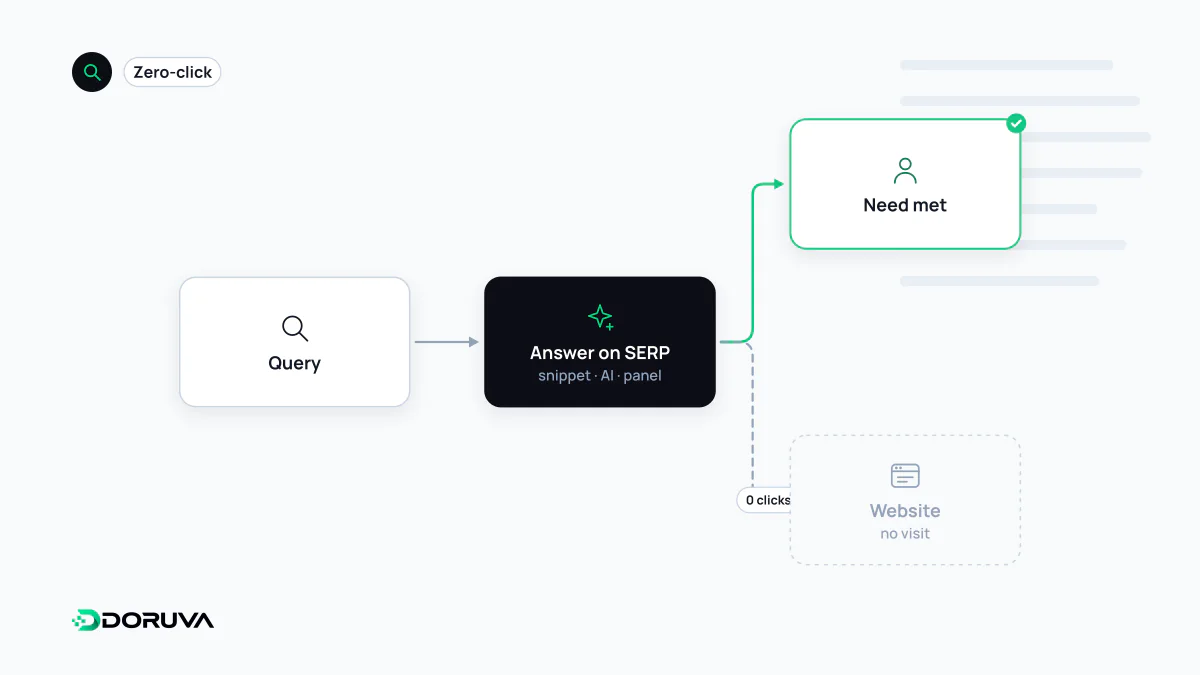
A zero-click search is a search that ends without the user clicking through to any website from the results page. It typically happens when the answer is shown on the page itself, for example in a featured snippet, knowledge panel, calculator or AI-generated overview, but it also covers searches the user refines or abandons because nothing suitable appeared.
Also known as: zero click search, no-click search, zero-click, zero-click result
Different reasons, one label
"Zero-click" is industry shorthand, not a Google term, and it lumps together searches that end for very different reasons:
- The answer was on the page: exchange rates, weather, unit conversions and scores are displayed directly.
- A summary was enough: a featured snippet, knowledge panel or AI overview covered as much as the user needed.
- The goal was offline: the user called a business or got directions from its profile, making contact without visiting the website.
- The search failed: nothing looked right, so the user reformulated the query or gave up.
In the first three cases the user found what they wanted; in the last one they did not. A single "zero-click rate" hides that distinction completely.
SERP features and AI answers
The main driver is the growth of SERP features: anything that brings the answer onto the results page reduces the need to click. AI Overviews and AI Mode reopened the debate because their answers are longer and draw on several sources at once. Google's position is that these features send people to a wider variety of sites and that clicks from pages with AI Overviews are higher quality, with visitors spending more time on site. That is Google's own claim. Published zero-click percentages, for their part, usually come from third-party clickstream panels; their methods and samples differ, so figures from different studies rarely compare cleanly.
Tracking the effect on your own site
No tool tells a site owner whether a particular search ended without a click anywhere. What you can observe is your own impressions and clicks:
- In the Search Console Performance report, look for queries where impressions rise while clicks stay flat or fall. A drop in click-through rate often points to a change in the layout of the results page.
- Run those queries yourself and note which features now appear above or around your result.
- Check the same pages in the Generative AI performance report to see their impressions in AI Overviews and AI Mode. That report has impressions only; clicks stay in the main Performance report.
- Track branded queries separately. People searching for your name is an indirect sign of exposure you gained elsewhere, including in answers that never linked to you.
Visibility that does not produce a visit
A zero-click outcome is not automatically a loss. Being described correctly in a knowledge panel, cited in an AI answer or called straight from a business profile can build trust and demand without a session in your analytics. Queries with a short, factual answer were never strong traffic sources; queries that call for depth, comparison, a tool or first-hand experience still give people a reason to click.
Some site owners respond by restricting previews with nosnippet or max-snippet. That can make a result less informative and keep a page out of some features entirely, with no guarantee that clicks come back. If you consider it, measure the affected group of queries before and after the change rather than applying it site-wide on instinct.