

What is Google Search Console?
Definition
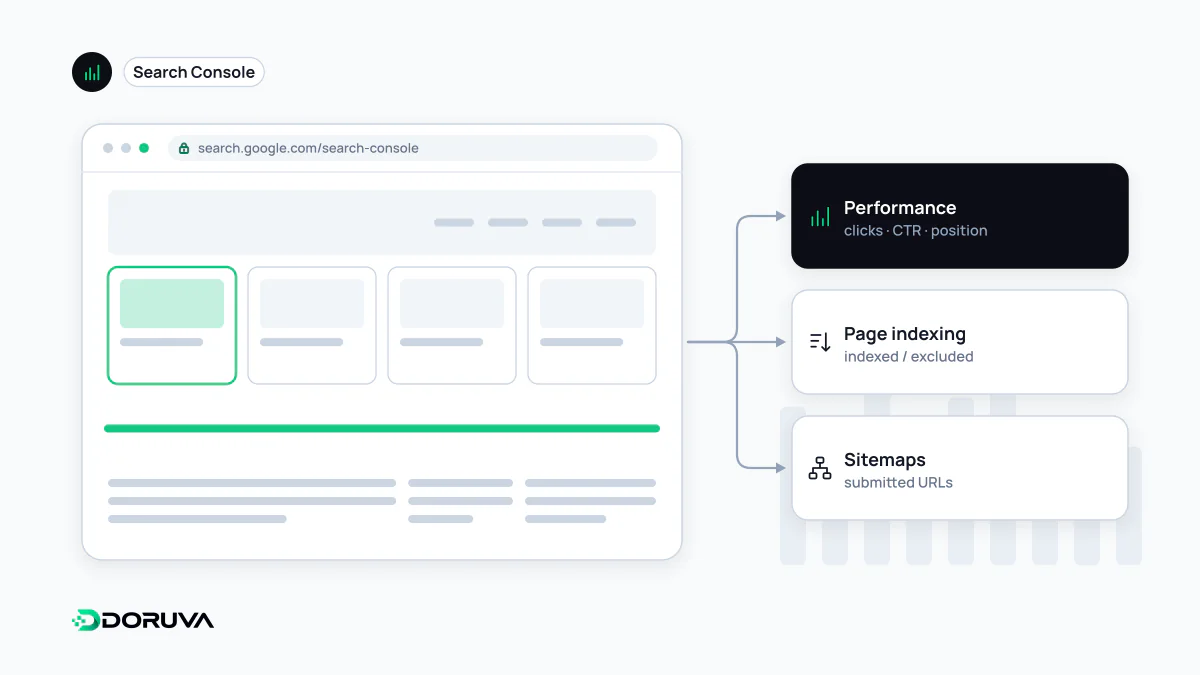
Google Search Console is Google's free, official set of tools that shows site owners how their site performs in Google Search. It reports impressions and clicks per query and page, indexing status, crawl problems, Core Web Vitals, manual actions and security issues, and provides tools such as URL Inspection and sitemap submission.
Also known as: GSC, Search Console, Google Webmaster Tools
Domain property or URL-prefix property
To use Search Console you add your site as a property and prove you own it. There are two kinds:
- A Domain property (
example.com) covers every subdomain and bothhttpandhttps. It can only be verified with a DNS record. - A URL-prefix property (
https://example.com/blog/) covers only URLs that start with that exact protocol and path. It supports several verification methods, including an HTML file, a meta tag, Google Analytics, Google Tag Manager and DNS.
A sensible setup is one Domain property for the whole site, plus URL-prefix properties for sections you want to monitor separately, such as a blog or a language folder.
Which report answers which question
| Report / tool | Question it answers |
|---|---|
| Performance | Which queries and pages earned impressions and clicks? |
| URL Inspection | Is this URL indexed, which canonical did Google pick, how does it render? |
| Page indexing | Which URLs are indexed and why are the others excluded? |
| Sitemaps | Were submitted sitemaps fetched and how many URLs did they contain? |
| Removals | How do I temporarily hide a URL from results? |
| Core Web Vitals and HTTPS | How do real users experience performance, and is the site served securely? |
| Rich result reports | Does the structured data have errors or warnings? |
| Manual actions, Security issues | Has Google applied a penalty or detected a compromise? |
| Links | Who links to the site, and where do internal links concentrate? |
| Crawl stats (Settings) | How often does Googlebot visit and how does the server respond? |
Most indexing investigations start in Page indexing and drill down to a single page with URL Inspection. Submitting an XML sitemap here makes it easy for Google to find and shows whether it was processed. If a manual action is ever applied, the notice and the reconsideration request also live here.
Reading performance data without fooling yourself
The Performance report has four metrics: clicks, impressions, click-through rate and average position. You can slice them by query, page, country, device, search appearance and date, and Google keeps 16 months of history, so year-over-year comparisons are possible. Data usually appears within two to three days, and the most recent days can be preliminary. Very rare queries are withheld for privacy, so the query rows never add up to the chart total.
Pages shown in AI Overviews and AI Mode are counted inside the "Web" search type of the main Performance report. In June 2026 Google also announced dedicated reports that isolate impressions in generative AI features on Search and Discover; by 31 August 2026 they had rolled out to all sites. The first version covers impressions, pages, countries, devices and dates (Search Central announcement). For anyone trying to separate AI Overviews visibility from classic organic results, it is the first first-party data source for that question.
Common misreadings
- Treating "Request indexing" as a guarantee. The button has a quota, pressing it repeatedly for the same URL does not speed anything up, and Google states that a crawl request does not guarantee indexing.
- Reconciling clicks with GA4 sessions. One counts clicks on a result, the other counts sessions measured on your site. Consent, filters and tracking gaps mean the numbers will never match exactly.
- Reading average position as "my ranking". It is the average of the topmost position your site held each time it was shown, across many queries and result layouts.
- Using it as the only source. Search Console covers Google only. For Bing, set up Bing Webmaster Tools as well.
The current list of reports and their purpose is kept in the Search Console Help reports at a glance page.