

What is SERP Feature?
Definition
A SERP feature is any element on a search results page beyond the standard blue-link result: featured snippets, related-question boxes, rich results, the local map pack, knowledge panels, image and video blocks, shopping listings and AI Overviews, among others. Each feature has its own data source, eligibility rules and degree of control available to site owners.
Also known as: search feature, SERP element, search result feature, results page feature
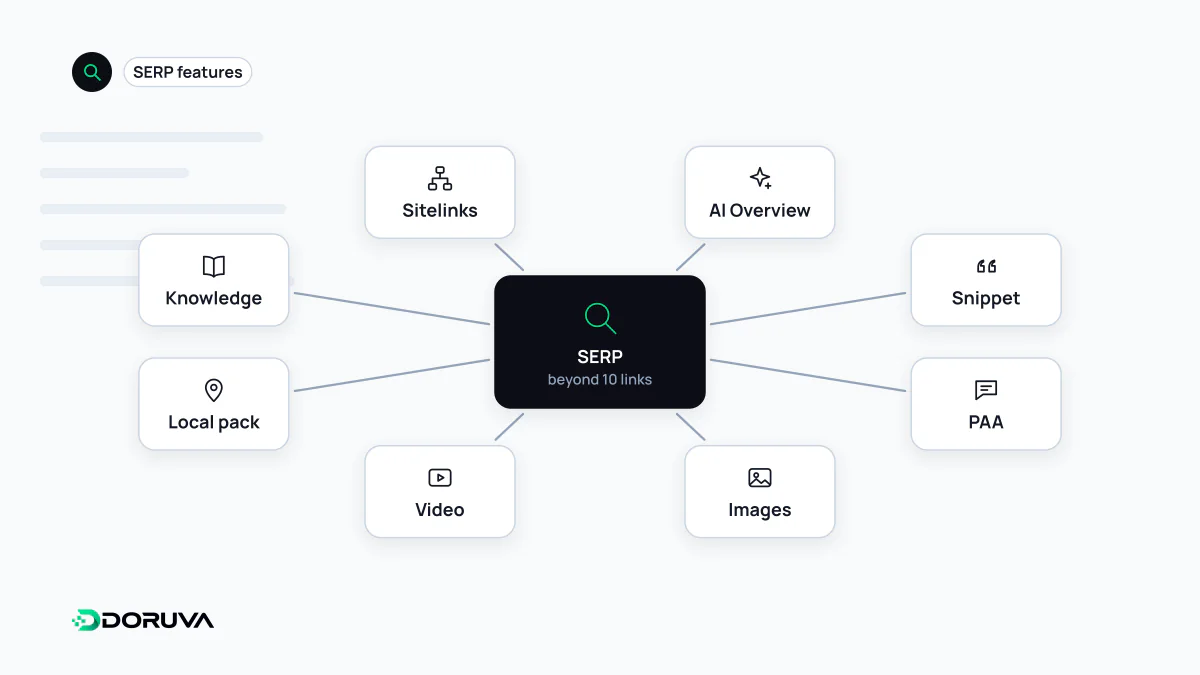
Classifying features by data source
Listing the elements of a results page by how they look is easy. For strategy it is more useful to ask where each one gets its data, because that determines how much influence you actually have.
| Feature | Where the data comes from | Your level of control |
|---|---|---|
| Featured snippets, sitelinks | Selected automatically from page content | Indirect: content structure and snippet controls |
| People Also Ask, related searches | Google's query data plus page content | None over which questions appear |
| Rich results | Structured data on the page | High: markup and guideline compliance |
| Local map pack | Google Business Profile | Accuracy and completeness of the profile |
| Shopping and product listings | Merchant Center feeds and product markup | Quality of product data |
| Knowledge panels | The Knowledge Graph, data partners, suggestions from verified entities | Low: claiming and suggesting edits |
| Image and video blocks | Media embedded on pages, plus metadata | Image and video SEO |
| AI Overviews | A generative model plus indexed pages | Indirect: being indexed and snippet-eligible |
Features near the top of the table are extracted from content automatically; those in the middle depend on structured data or an external profile you supply. Knowing which group a feature belongs to before chasing it saves a lot of wasted effort.
Eligible is not the same as shown
Google repeats one principle for almost every feature: meeting the requirements makes a page eligible, not guaranteed. Whether a feature appears depends on the query, device, country and language. The catalogue also changes. Since 2023 Google has retired a series of little-used result types, the HowTo and FAQ rich results being the best known. A traffic strategy built on a single feature can lose its value overnight when that feature is changed or removed.
How features change click behaviour
Features pull clicks in two directions. They take up screen space and push classic results down, so a result reported as "position 1" in Search Console can sit below an ad block, an AI answer and a question box. At the same time, the result that wins a feature draws more attention; a product result showing price, rating and stock gives shoppers what they need to decide before they click.
The net effect depends on the query. For single-answer questions like "time in Tokyo now", the answer is read on the results page and no click follows, which is known as a zero-click search. For comparisons, purchases or multi-step tasks, the feature acts as a shop window that sends people to the source. Google states that clicks from results pages with AI Overviews are higher quality, with users more likely to spend more time on the site; that is Google's own assessment and worth checking against your analytics.
Reading the features for a query
- Search the target query on mobile and desktop, in a private window and, where possible, from the target city; note which features appear and in what order.
- Use the "Search appearance" filter in Search Console's Performance report to see which rich result types your site earns and how their click-through rate compares.
- Third-party rank trackers record feature data, but it comes from their own sampling, not from Google.
- Pick the feature a page can realistically win: a featured snippet for a concise definition, a product rich result for a product page, the local pack for a branch page.