

What is Meta Robots Tag?
Definition
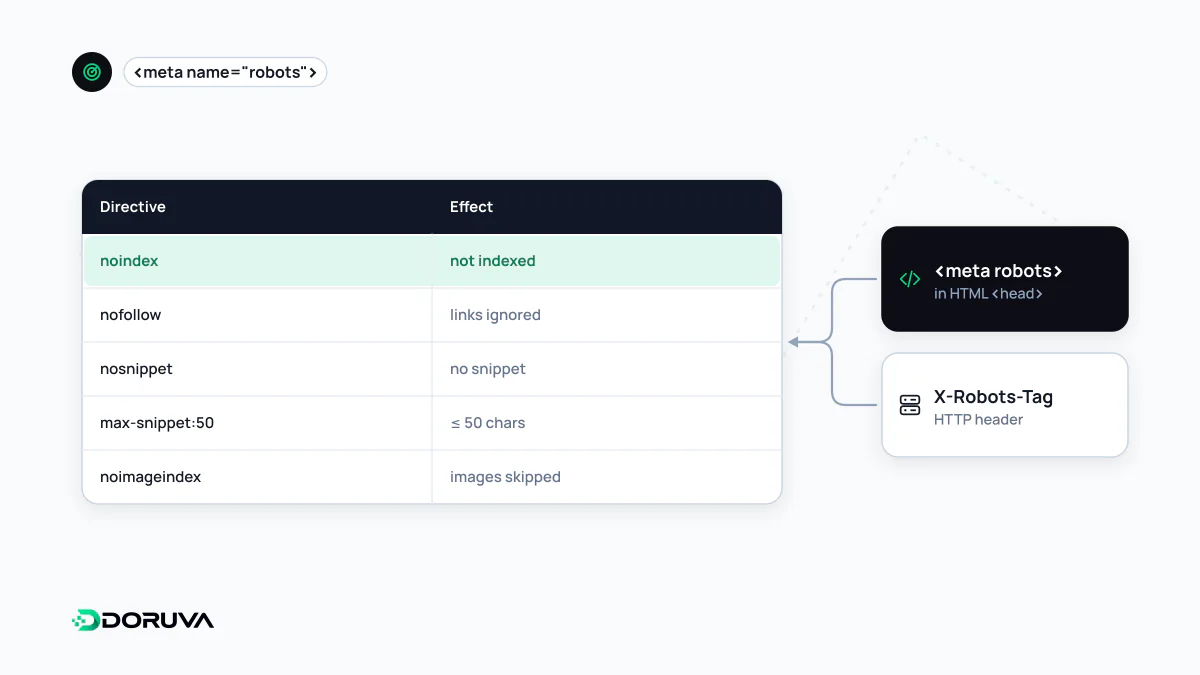
The meta robots tag is an HTML meta element placed in a page's head that tells search engines whether the page may be indexed, whether its links should be followed and how it may be presented in results. name="robots" addresses all crawlers, while values such as name="googlebot" address one; the content attribute holds comma-separated directives such as noindex, nofollow, nosnippet or max-snippet.
Also known as: robots meta tag, noarchive, max-snippet, max-image-preview, max-video-preview, unavailable_after
Syntax
The tag goes inside <head>. The name attribute says who should obey; the content attribute holds the rules:
<!-- For all crawlers -->
<meta name="robots" content="noindex, nofollow">

<!-- For Google's crawler only -->
<meta name="googlebot" content="notranslate">

<!-- Preview limits combined -->
<meta name="robots" content="max-snippet:120, max-image-preview:large">
Directives are comma-separated and not case-sensitive. Besides the generic robots, Google recognises googlebot and, for news results, googlebot-news. When a page carries several tags, their rules are combined. The same directives can be delivered as an HTTP header using X-Robots-Tag.
Directives Google supports
| Directive | What it does |
|---|---|
all | No restrictions; the default |
noindex | The page is not shown in results |
nofollow | Links on the page are not followed |
none | Equivalent to noindex, nofollow |
nosnippet | No text snippet or video preview |
max-snippet:[number] | Caps the text snippet at that many characters; 0 means no snippet, -1 means no limit |
max-image-preview:[setting] | Image preview size: none, standard, or large (up to the viewport width) |
max-video-preview:[number] | Caps a video preview at that many seconds; 0 and -1 work as above |
notranslate | No translation offered for the page in results |
noimageindex | Images on the page are not indexed |
indexifembedded | Lets content be indexed where it is embedded via iframe despite noindex; only meaningful together with noindex |
unavailable_after:[date] | The page stops appearing after that date; RFC 822, RFC 850 or ISO 8601 formats |
Noindex, nofollow and nosnippet each have their own entry. max-image-preview:large is a common choice in image SEO because it allows large image previews to be shown.
Follow, index and retired directives
index and follow do not appear in Google's list of supported directives, because they simply describe the default. Writing <meta name="robots" content="index, follow"> does no harm, but it changes nothing either. With no tag at all, a page is treated as indexable and its links as followable.
noarchive used to hide the cached-page link in results. Since Google removed that link, its documentation states plainly that the directive is no longer used, and nocache is not used by Google Search either. Bing is a different story: in a September 2023 announcement it said that content marked noarchive would not be used in its chat answers, and that for nocache content only the URL, title and snippet would be shown. Treat both as "no effect on Google, meaningful on Bing".
Conflicts and the visibility requirement
When rules conflict, the more restrictive one applies. A page with both max-snippet:50 and nosnippet ends up with no snippet. If the generic robots tag and a googlebot tag disagree, Googlebot considers both and the restrictive rule still wins.
A rule only works once it has been read. Meta robots tags are discovered when the URL is crawled, so rules on a page blocked by robots.txt are never seen and are ignored. Adding or changing the tag with JavaScript is risky too: when the initial HTML and the rendered page disagree, the outcome becomes unpredictable. The full reference is Google's robots meta tag documentation.