

What is HTTP Request and Response?
Definition
The HTTP request and response are the basic exchange of the web: a client such as a browser, app or crawler sends a request to a server, and the server answers with a response. A request carries a method, a target URL, headers and an optional body. A response carries a status code, headers and usually a body such as HTML, JSON or an image. The data a message actually carries is called its payload.
Also known as: HTTP request, HTTP response, request-response, payload, HTTP message
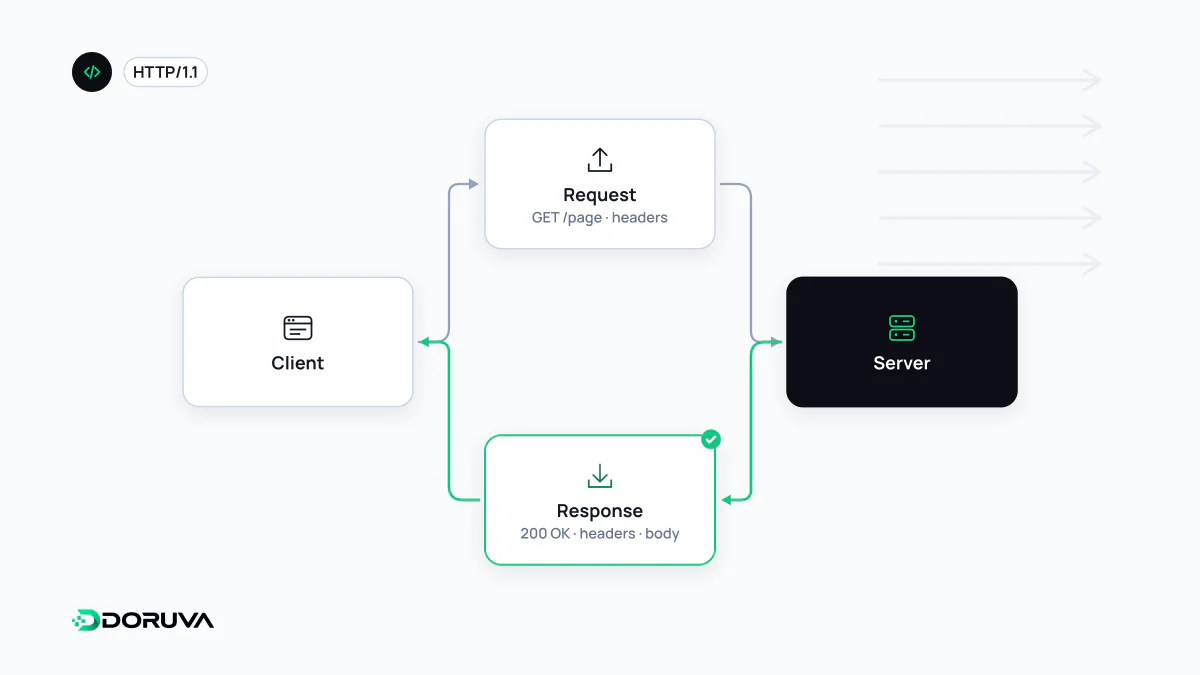
One page, dozens of conversations
Opening a web page is not one request. The browser fetches the HTML first, then issues a separate request for every stylesheet, script, font and image it references; a typical page easily reaches several dozen. Every one follows the same pattern: the client asks, the server answers. HTTP is stateless, meaning the server treats each request on its own. Anything that has to persist, such as being logged in, travels again with every request in cookies or tokens.
Anatomy of a request
In HTTP/1.1 a message is plain text in four parts: a start line, header lines, an empty line, and an optional body.
POST /api/contact?source=footer HTTP/1.1
Host: www.example.com
User-Agent: Mozilla/5.0 (...)
Content-Type: application/json
Content-Length: 62
Cookie: session=a81f...

{"name": "Jane", "email": "[email protected]", "message": "Hi"}- Request line: the method (
POST), the target (/api/contactwith the query parametersource=footer) and the protocol version. - Headers: metadata about the request.
Hostis mandatory in HTTP/1.1 and tells a server hosting many sites on one IP address which one is meant; a request without it gets a400.Content-Typedescribes the body. - Body: the data sent to the server.
GETrequests normally have none; whatever they need goes in the URL.
Anatomy of a response
HTTP/1.1 201 Created
Content-Type: application/json; charset=utf-8
Content-Length: 34
Cache-Control: no-store
Set-Cookie: form_sent=1; Path=/; Secure; HttpOnly

{"status": "received", "id": 9137}
The status line gives the version, a three-digit status code and an optional reason phrase. The headers that follow describe the content type, how it may be cached and which cookies to store. After the blank line comes the body: an HTML document, JSON, an image, or nothing at all.
What “payload” means
The payload is the cargo of a message, the data it exists to deliver: in the example above, the JSON object with the form fields. Headers describe the payload rather than belong to it: Content-Type says what it is, Content-Length how many bytes, Content-Encoding whether it is compressed. Servers cap the payload size they accept, and an oversized request can be rejected with 413 Content Too Large. From a security standpoint, every incoming payload is untrusted input that must be validated before use.
Same meaning, different wire format
Methods, status codes and header semantics are defined once, independently of protocol version, in RFC 9110. What changes between versions is how messages travel. HTTP/2 and HTTP/3 split messages into binary frames, lower-case all header names, replace the request line with pseudo-headers such as :method and :path, and multiplex many requests over one connection. The raw text above is what HTTP/1.1 looks like; browser tools reconstruct a similar view for newer versions.
Watching it happen
The Network tab in browser developer tools lists every request with its headers, payload, response and timing. On the command line, curl -i https://www.example.com/ prints the response headers and curl -v shows the request as well. To check a page's status code and redirect chain in one pass, the SEO checker is another option.