

What is Breadcrumb?
Definition
A breadcrumb is a secondary navigation element that shows where the current page sits in a site's hierarchy as a chain of links, such as Home › Category › Page. The same trail can be marked up as structured data with schema.org's BreadcrumbList type, which Google can use on desktop search results to show the page's position as a readable path.
Also known as: breadcrumb navigation, breadcrumb trail, BreadcrumbList, breadcrumb schema
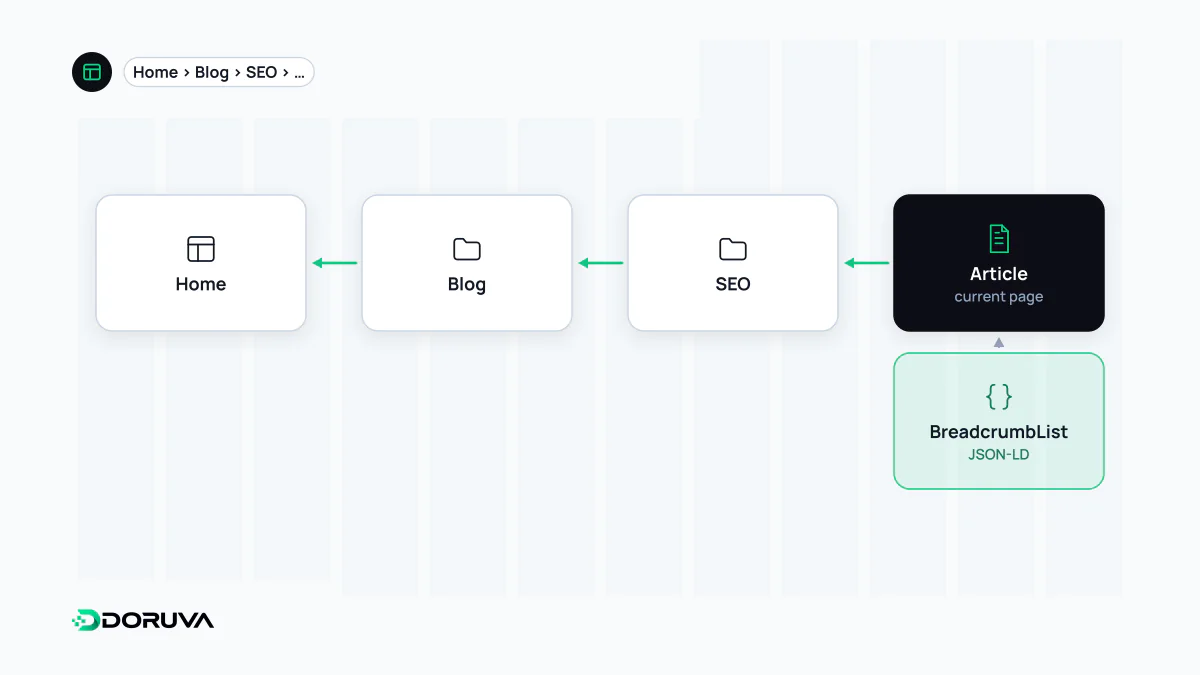
The breadcrumb as a UI pattern
A breadcrumb is the short chain of links near the top of a page: Home › Men › Shoes › Running Shoes. It doesn't replace the main menu or the wider site navigation. It tells people where they are and lets them move up a level in one click, which matters most for visitors who land on a product or article straight from search and have never seen the rest of the site.
There are three kinds. Location-based (hierarchical) breadcrumbs reflect the page's place in the information architecture and are the most common and most useful. Attribute-based breadcrumbs list the filters chosen on a listing. History-based breadcrumbs replay the pages a user visited; since the browser's back button already does that, they are generally discouraged.
Accessible markup
The W3C WAI-ARIA authoring practices place the trail inside a navigation landmark labelled with aria-label, and set aria-current="page" on the link to the current page:
<nav aria-label="Breadcrumb">
  <ol>
    <li><a href="/">Home</a></li>
    <li><a href="/men/">Men</a></li>
    <li><a href="/men/shoes/">Shoes</a></li>
    <li><a href="/men/shoes/running/" aria-current="page">Running Shoes</a></li>
  </ol>
</nav>
An ordered list conveys the sequence to screen readers. Drawing separators such as "›" with CSS rather than as text stops them being read aloud at every step. These are small but concrete applications of ARIA guidance.
BreadcrumbList structured data
The visible trail can also be described to machines with schema.org's BreadcrumbList. Google's requirements are short: itemListElement on the BreadcrumbList, and position, name and item (the URL) on each ListItem. If the last item has no item, Google uses the page's own URL.
{
  "@context": "https://schema.org",
  "@type": "BreadcrumbList",
  "itemListElement": [
    { "@type": "ListItem", "position": 1, "name": "Men", "item": "https://shop.example.com/men/" },
    { "@type": "ListItem", "position": 2, "name": "Shoes", "item": "https://shop.example.com/men/shoes/" },
    { "@type": "ListItem", "position": 3, "name": "Running Shoes" }
  ]
}
Google advises marking up a trail that represents a typical user path to the page rather than mirroring the URL structure. When a page can be reached through different routes, you may define more than one BreadcrumbList. Either way, the markup should match what the page shows.
How breadcrumbs appear in search
Google can use breadcrumb markup to show a page's position as a readable path instead of a raw URL. That still happens on desktop; in January 2025 Google announced it had stopped showing breadcrumbs in mobile results, because they were being truncated on small screens. On a mostly mobile site the visible search benefit is therefore limited, though the structural and usability value remains.
The lasting SEO benefit: internal links
The most durable advantage is that every detail page links consistently back to its parent categories. Those internal links mean category pages are reached from all over the site, and the relationship between deep pages and higher levels becomes explicit to users and crawlers alike. On deep sites where breadcrumbs are missing, or present only on some templates, the GEO Checker flags the gap.
- A marked-up trail that differs from the visible one, such as old category names left in the markup.
- A final step that is clickable but not marked as the current page.
- Skipped or out-of-order
positionvalues.