

What is Block Editor (Gutenberg)?
Definition
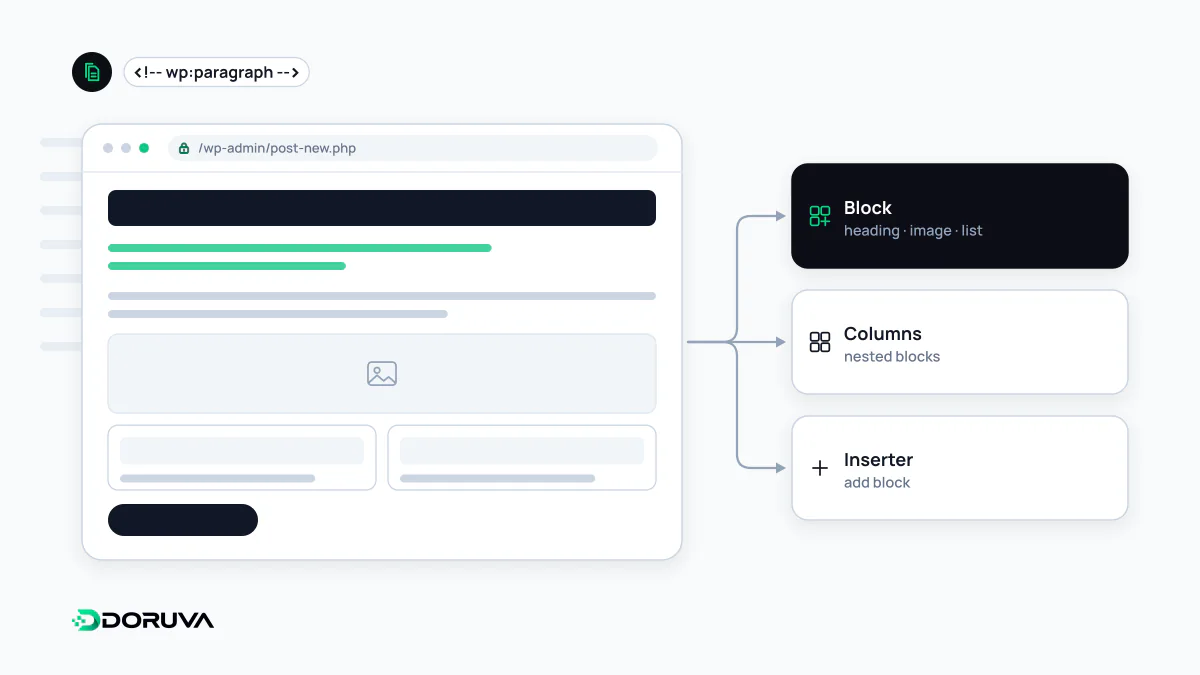
The block editor, developed under the project name Gutenberg, is the WordPress editing interface that became the default in WordPress 5.0. It builds content from independent blocks such as paragraphs, headings, images, buttons and columns, stored in post content as HTML separated by comment delimiters. Together with block patterns and block themes, the same model powers the Site Editor, where headers, footers and templates are edited too: Full Site Editing.
Also known as: Gutenberg, WordPress block editor, Full Site Editing, FSE, Site Editor
From one text box to blocks
Until WordPress 5.0, content went into the classic editor: one large text box. Layouts such as columns, buttons or galleries relied on shortcodes or page builder plugins. WordPress 5.0, released in December 2018, made the block editor, developed as the Gutenberg project, the default. Every piece of content became a separate block with its own settings: paragraph, heading, image, quote, table, column group. For anyone who prefers the old interface, the official Classic Editor plugin still exists.
What a block looks like in the database
The block editor does not invent a new storage format. As the block editor handbook explains, blocks are saved as ordinary HTML wrapped in HTML comment delimiters:
<!-- wp:heading {"level":2} -->
<h2 class="wp-block-heading">Shipping times</h2>
<!-- /wp:heading -->

<!-- wp:latest-posts {"postsToShow":4} /-->
The first block is static: its HTML is generated on save and stored. The second is dynamic: only a comment with its attributes is stored, and the server renders the HTML on every request. That has a practical consequence. Content in a plugin's static block stays readable as HTML if the plugin is removed; a dynamic block disappears from the page along with its plugin.
Patterns, templates and Full Site Editing
Block patterns are pre-arranged groups of blocks: a pricing table, a “meet the team” section, a ready-made contact area. An unsynced pattern drops in as an independent copy; with a synced pattern, one edit shows up everywhere the pattern is used.
Blocks are not limited to post content. When the active theme is a block theme, the Site Editor (Appearance > Editor) lets you edit headers, footers, templates such as archives and the 404 page, navigation menus and global styles, all with blocks. This is what Full Site Editing (FSE) refers to, and it only works with block-based WordPress themes.
The block editor from a developer's side
The editor interface is built with React. A custom block consists of a JavaScript component that defines how it behaves in the editor and a block.json file with its metadata; dynamic blocks render their output in PHP on the server. Custom post types also need REST API support enabled at registration to open in the block editor, a detail shown in the example in the WordPress entry.
Compared with page builders, and what to watch
Many page builders store content in their own shortcodes or data structures, so pages can become unreadable when the tool is removed. The block editor is part of core and outputs standard HTML. The trade-off is that visual freedom is usually narrower, and complex layouts depend on well-built patterns and blocks.
The most common content mistake is choosing heading blocks for their looks. Picking H2 just to make text bigger breaks the page's heading hierarchy. Heading level should follow the structure of the content and size should come from styles, which is what semantic HTML means inside the editor.