

What is Article Schema?
Definition
Article schema is structured data that describes a news story, blog post or article page using schema.org's Article, NewsArticle or BlogPosting types. It states the headline, authors, publication and modification dates and images explicitly. Google says it helps show better title text, images and date information for the article in search results. It has no required properties.
Also known as: Article structured data, BlogPosting schema, NewsArticle schema, article markup
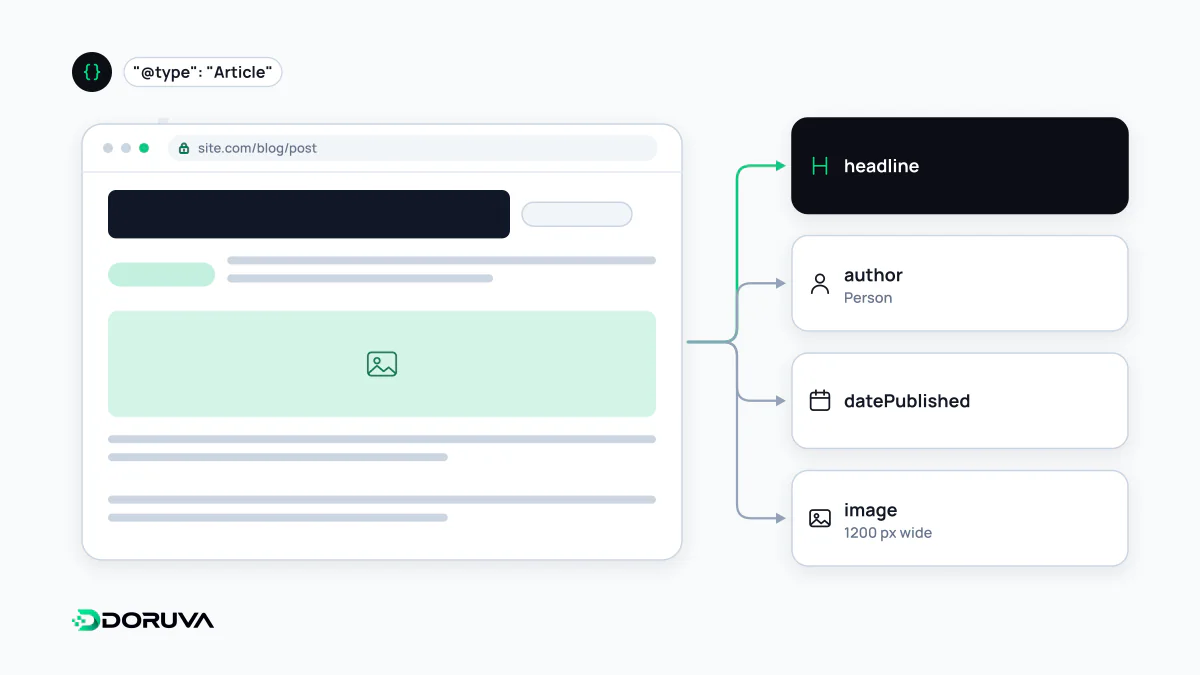
What Google reads
Google supports three schema.org types for articles: Article, NewsArticle and BlogPosting. Its documentation says the markup helps Google understand the page and show better title text, images and date information for the article. There are no required properties; Google asks you to add whatever applies and recommends these:
| Property | What to provide |
|---|---|
headline | The article's title |
author | A Person or Organization; one object per author |
datePublished | First publication date in ISO 8601, with a time zone |
dateModified | Date of the last meaningful update, same format |
image | One or more image URLs or ImageObjects |
Pick the type honestly: BlogPosting for a company blog post, NewsArticle for current news, Article for other long-form content. The type alone doesn't decide whether a page appears in news surfaces.
Example: a blog post
{
  "@context": "https://schema.org",
  "@type": "BlogPosting",
  "@id": "https://example.com/blog/boiler-servicing/#article",
  "headline": "How Often Should You Service a Boiler?",
  "datePublished": "2026-03-12T09:00:00+01:00",
  "dateModified": "2026-09-28T14:30:00+01:00",
  "image": [
    "https://example.com/img/boiler-16x9.jpg",
    "https://example.com/img/boiler-4x3.jpg",
    "https://example.com/img/boiler-1x1.jpg"
  ],
  "author": {
    "@type": "Person",
    "name": "Sarah Collins",
    "url": "https://example.com/authors/sarah-collins/"
  },
  "publisher": { "@id": "https://example.com/#organization" },
  "mainEntityOfPage": "https://example.com/blog/boiler-servicing/"
}
The publisher isn't redefined here; it points to the site's Organization node by @id. A timestamp without a time zone offset is ambiguous to whatever system reads it, so always include one.
Google's rules for author markup
- Mark up every author shown on the page; list multiple authors as separate objects rather than one combined string.
- Use Person for people and Organization for organisations.
- Put only the name in
author.name: no job titles, publisher names or honorifics such as "Dr.". - Add
urlorsameAsto identify the author. Linking to an author page on your own site is the most robust option, and that page can carry ProfilePage markup.
Clear, verifiable authorship lets readers see who is behind the content. Google's E-E-A-T framework values that transparency, but nothing in Google's documentation says the markup by itself earns trust. What matters is that it reflects an author and biography that are actually visible on the page.
Images and dates
Google recommends multiple high-resolution images, each at least 50,000 pixels when width is multiplied by height, in 16:9, 4:3 and 1:1 aspect ratios. Images must be crawlable and indexable and must represent the content.
The most common date problem is bumping dateModified on a post that hasn't really changed, just to look fresh. Content freshness is about the content itself; giving a new date to a post where only a typo was fixed misleads readers. The dates in the markup should also match the dates shown on the page.