

What is Event Tracking?
Definition
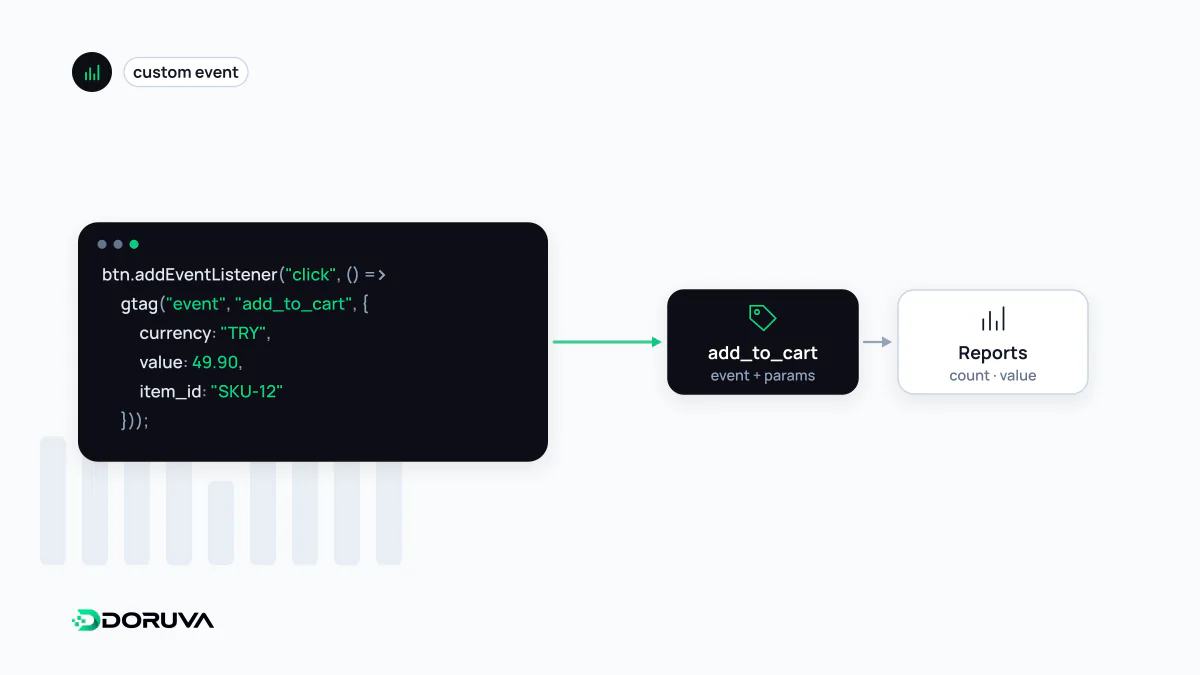
Event tracking is the recording of specific user interactions on a website or app, such as form submissions, button clicks, file downloads, video plays or purchases, as named events with parameters sent to an analytics system. It makes measurable the behaviour that pageviews cannot describe and underpins conversion, funnel and experiment analysis. It is usually implemented from a tracking plan, through a tag manager or directly in code.
Also known as: analytics events, interaction tracking, tracking plan, measurement plan, custom events
Start with questions, not clicks
The most common event tracking mistake is measuring every click on the page just in case. The result is hundreds of events nobody reads, and the ones that matter get lost. A healthy setup starts from business questions: how many people start the quote form and how many finish it? What share of visitors who see the pricing page get in touch? Every event should answer at least one question.
Those questions become a tracking plan, a single document defining when each event fires and which parameters it carries:
| Event | Fires when | Parameters |
|---|---|---|
generate_lead | The quote form has been saved successfully on the server | form_name, service |
file_download | Someone clicks the brochure PDF link | file_name |
sign_up | Account creation completes | method |
pricing_tab_view | A pricing tab is opened | plan |
Naming events and parameters
Pick a naming convention and stick to it; lowercase with underscores (snake_case) is the norm in the GA4 world. If you use Google Analytics 4, do not invent names where a recommended event such as generate_lead, sign_up or purchase already exists, because those names carry special meaning in reports and integrations.
The second rule is to put detail in parameters rather than event names. One generate_lead event with a form_name parameter beats five separate events like contact_form_sent and quote_form_sent, both for reporting and for maintenance. In GA4 an event name can be at most 40 characters and an event can carry at most 25 parameters.
Never put personal data such as email addresses, phone numbers or full names into parameters. Google Analytics policies forbid it, and it creates needless legal exposure. Query strings carrying personal data in page URLs cause the same problem by the back door.
Ways to implement
// 1) Directly with the Google tag (gtag.js)
gtag('event', 'generate_lead', { form_name: 'quote_form', service: 'web_design' });

// 2) With a tag manager: push to the dataLayer and decide
//    in the tag manager how the event reaches GA4
window.dataLayer = window.dataLayer || [];
window.dataLayer.push({ event: 'generate_lead', form_name: 'quote_form' });
With a tag manager, developers only push meaningful events into the dataLayer, and the marketing team decides which tools receive them without code changes. Critical events that the browser might miss, such as a confirmed payment, can be sent from the server instead, for example through the GA4 Measurement Protocol once the payment provider's notification arrives.
Track outcomes, not button presses
A click on Submit does not mean the form was submitted: validation may fail, or the server may return an error. An event that will count as a conversion should fire after the server confirms success. Events tied to a thank-you page load are double-counted whenever that page is refreshed or reopened from a bookmark. In single-page apps, route changes can attach the same listener repeatedly so one action sends several events. Errors like these quietly break conversion funnel analysis.
Testing and upkeep
- GA4's DebugView and your tag manager's preview mode show events and their parameters as they are sent.
- Filter analytics requests in the browser's Network panel to confirm an event really goes out once.
- Version the tracking plan alongside the code, and update it whenever a redesign or a form change ships.
- Test what happens when cookie consent is declined; event behaviour should follow the consent state.