

What is Video SEO?
Definition
Video SEO is the technical and content work that helps a site's videos be discovered and shown on Google's main results page, in Video mode, Google Images and Discover. It involves a dedicated watch page per video, embedding the video in crawlable HTML, a thumbnail at a stable URL, VideoObject structured data or a video sitemap, and enabling features such as key moments.
Also known as: video search optimization, video optimization for search, YouTube and video SEO
Start with the watch page
Google's video documentation revolves around the watch page: a page whose main purpose is to show one video. A video landing page, a TV episode player or a sports highlight page qualifies. A blog post reviewing an embedded clip, a product page with a 360-degree video, or a category page listing many videos of equal weight does not, because the video there is complementary to the rest of the content.
To be eligible for video results, Video mode, key moments and similar features, Google recommends creating a dedicated watch page for each video where that makes sense for the business. The same video can still appear inside an article, and a non-watch page can show as a text or image result with a video badge.
What a video needs to be indexed
- The watch page itself must be indexed, and an indexed page does not automatically mean an indexed video.
- The video must be embedded with
<video>,<iframe>,<embed>or<object>, must not be hidden behind other elements, and must not wait for a swipe, click or keystroke to load. - If JavaScript injects the player, it has to appear in the rendered HTML shown by Search Console's URL Inspection tool.
- There must be a valid thumbnail at a stable URL. CDN addresses that expire quickly can prevent indexing.
- The file type must be supported; MP4, WebM, MOV and M3U8 are among them.
Metadata: VideoObject, sitemaps, Open Graph
Google reads video metadata from structured data, video sitemaps and Open Graph. The required VideoObject properties are name, thumbnailUrl and uploadDate. The file URL (contentUrl), or the player URL (embedUrl) when the file URL is not available, plus a description and duration are recommended.
{
  "@context": "https://schema.org",
  "@type": "VideoObject",
  "name": "How to steam milk for a flat white",
  "description": "Step-by-step milk texturing with a steam wand.",
  "thumbnailUrl": "https://example.com/video/steam-milk.jpg",
  "uploadDate": "2026-09-12T10:00:00+01:00",
  "duration": "PT4M20S",
  "contentUrl": "https://example.com/video/steam-milk.mp4"
}
Everything in the markup should match the video itself and any other metadata source, and the name, description and thumbnail should be unique to each video.
Previews, key moments and the live badge
For some results Google shows a short moving preview taken from the video. That requires Google to be able to fetch the video file, and the length can be capped with the max-video-preview robots rule.
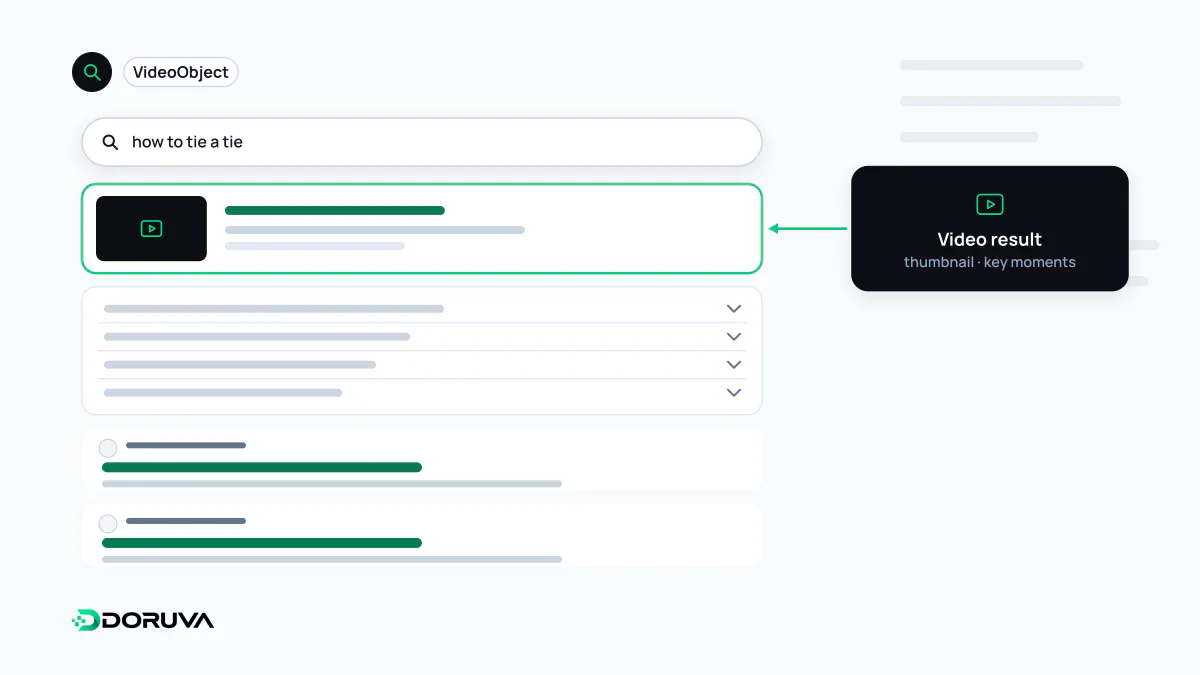
Key moments split a video into chapters. Google tries to detect segments on its own but prioritises the ones you provide, either with Clip markup that gives each segment a start time, end time and label, or with SeekToAction markup that tells Google where timestamps go in your URL structure. To opt out of key moments entirely, use nosnippet. For livestreams, BroadcastEvent markup enables the red "LIVE" badge.
Hosting on YouTube versus your own site
When a video is embedded from YouTube, Vimeo or a similar platform, Google may index it both on your page and on the platform's page, and either can appear in video features. Adding structured data to your own watch page is still recommended, and for previews and key moments you need to check whether the host lets Google fetch the file. When a video is withdrawn, the watch page should return 404 or carry noindex; time-limited content can declare an expires date. Google's full guidance is in its video SEO best practices.