

What is SVG?
Definition
SVG (Scalable Vector Graphics) is an XML-based W3C image format that describes two-dimensional graphics as shapes, paths and text rather than a grid of pixels. Because it is a set of drawing instructions, it stays sharp at any size and screen density, and for logos, icons, diagrams and simple illustrations it is usually smaller than raster formats. SVG can be embedded directly in HTML, styled with CSS and manipulated with JavaScript.
Also known as: Scalable Vector Graphics, vector graphics, .svg, image/svg+xml
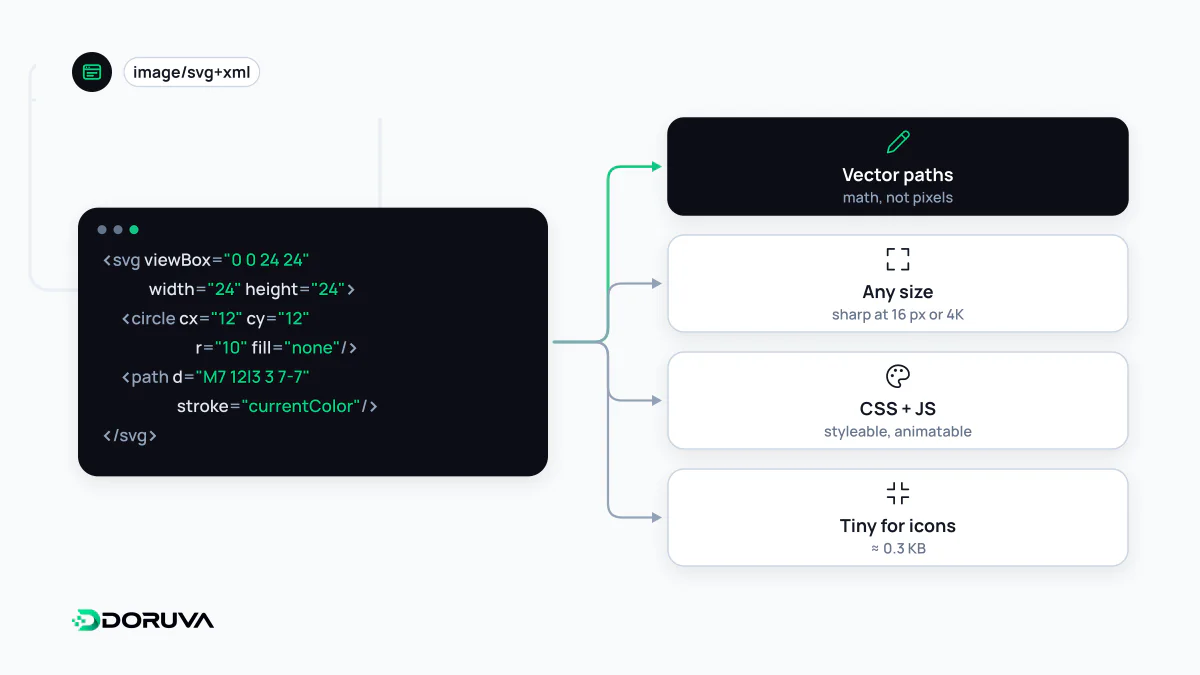
Drawing instructions instead of pixels
A PNG or JPEG stores the colour of every pixel. An SVG stores instructions such as “a circle of this radius at these coordinates” or “a curve through these points”, and the browser draws them at whatever size the image ends up on screen. The file is plain text you can open in any editor:
<svg xmlns="http://www.w3.org/2000/svg" viewBox="0 0 24 24">
  <circle cx="12" cy="12" r="10" fill="none" stroke="currentColor" stroke-width="2"/>
  <path d="M8 12l3 3 5-6" fill="none" stroke="currentColor" stroke-width="2"/>
</svg>
The viewBox sets the drawing's internal coordinate system, here a 24×24 unit canvas, which scales proportionally whether the icon is rendered at 16 or 600 pixels. currentColor makes the stroke inherit the surrounding text colour, so the same icon adapts to light and dark themes without a second file.
On the standards side, the latest finished W3C Recommendation is SVG 1.1 Second Edition from 2011. SVG 2 has been a Candidate Recommendation since 2018, and browsers already implement a good part of it.
Ways to put SVG on a page
| Method | Strength | Limitation |
|---|---|---|
<img src="logo.svg"> | Cached as a separate file; scripts inside never run | Page CSS cannot reach inside the graphic |
Inline <svg> | Individual parts can be styled and scripted; no extra request | Adds weight to the HTML and is resent with every page |
CSS background-image | Convenient for decorative patterns | Carries no accessible name; search engines do not treat it as a content image |
<use href="sprite.svg#icon"> | Many icons from one cached file | Slightly more setup |
When a vector is the wrong tool
Photographs cannot be expressed as vectors; tracing one produces either a huge file or a crude approximation. Very complex illustrations are also a trap: an SVG with thousands of paths may be small on the wire, but the browser recalculates those paths every time it paints, and scrolling or animation can stutter on low-end devices. For that kind of artwork, a raster format such as PNG or WebP is often lighter overall.
User-uploaded SVG is a security question
SVG is a document format, so a file can contain script elements, event-handler attributes or references to external resources. Scripts in an SVG displayed through img do not run. But if a user-uploaded SVG is opened directly from your own domain, its code can execute in your site's context, which turns it into a cross-site scripting hole. Systems that accept uploads should sanitise SVG files, convert them to a raster format, or serve them from a separate domain with a restrictive content security policy.
Optimisation and accessibility
- SVGs exported from design tools carry editor metadata, redundant groups and over-precise decimals. Optimisers such as SVGO strip these and often shrink the file considerably.
- Being text, SVG compresses very well with gzip or Brotli, so make sure your server compresses
image/svg+xmlresponses too. - A meaningful SVG added through
imgneeds alt text like any other image. Inline SVG usesrole="img"together with atitleelement, while purely decorative icons getaria-hidden="true". - Google Images can index SVG files referenced from an
imgelement. SVG also works as a favicon, though keeping a PNG or ICO fallback for older browsers is still common practice.