

What is Repository?
Definition
A repository (repo) is the store a version control system manages for a project: the files plus the complete history of every change made to them. In Git, the repository itself is the hidden .git directory inside the project folder, which holds all commits, branches and tags. The same repository typically exists both locally on a developer's machine and remotely on a host such as GitHub or GitLab.
Also known as: repo, code repository, Git repository, source repository, monorepo
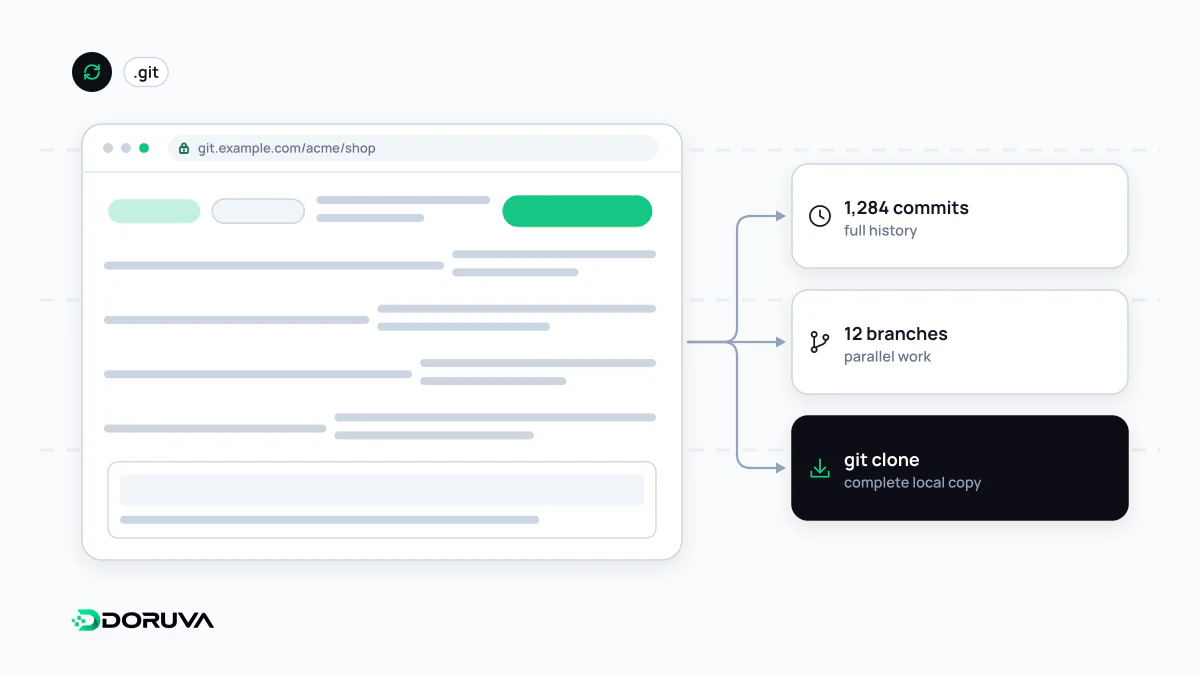
Anatomy of a repository
A Git project folder has two layers. The part you see is the working tree, the files you edit. The repository proper is the hidden .git directory: compressed snapshots of every commit, the pointers that make up branches and tags, HEAD (which branch you are on) and local settings. Delete that directory and your files survive, but your history does not.
Well-kept repositories also share some conventions at file level:
- A
READMEexplaining what the project is and how to run it. - A
.gitignorelisting what must stay out: dependency folders, build output,.envfiles. - A lockfile pinning dependency versions.
- CI definitions (for example
.github/workflows/) and aCODEOWNERSfile naming who reviews which paths. - A
LICENSEfor open-source work.
Local copies and remotes
Because Git is distributed, the copy on each developer's laptop is a full repository in its own right. Teams meet on a shared remote, conventionally named origin.
git clone https://github.com/example-co/website.git
cd website
git remote -v        # list configured remotes
git pull             # fetch and integrate new commits
git push             # publish local commits
A clone copies an existing repository with its full history. A fork is a copy of someone else's repository under your own account on the hosting service, the standard way to contribute to open-source projects you cannot push to directly: you change the fork, then propose the change upstream with a pull request.
One repo or many?
| Monorepo | Polyrepo | |
|---|---|---|
| Layout | Website, API and shared packages in one repository | One repository per app or service |
| Cross-cutting changes | One commit can update every affected part | Coordinated changes and version bumps across repos |
| Access control | Hard to restrict; most people see most code | Easy to separate per repository |
| Tooling | Needs smarter build and test tooling as it grows | Each repo stays simple, but configuration gets duplicated |
For small and mid-sized teams building one product, a monorepo usually has the least friction. When separate teams own services with independent release cycles, separate repositories tend to fit better.
Access and security
Repositories can be public or private, and private ones still need discipline:
- Least privilege: people and automations get only the access their job requires; a deploy key that pulls code onto a server does not need write access. The principle of least privilege applies here as much as anywhere.
- No secrets in the tree: credentials belong in a secrets management system. Hosting platforms' secret scanning helps catch keys that slip through.
- Protected main branch: require approved reviews and passing checks instead of allowing direct pushes.
Who owns the repository?
When a company commissions software, an easily overlooked question is whose account the repository lives under. If the code sits in an agency's or a freelancer's personal account, access to history, CI configuration and deployment settings becomes uncertain the moment the relationship ends. The healthier setup is a repository in the client's own organisation, with developers granted access through it.