

What is Prototype?
Definition
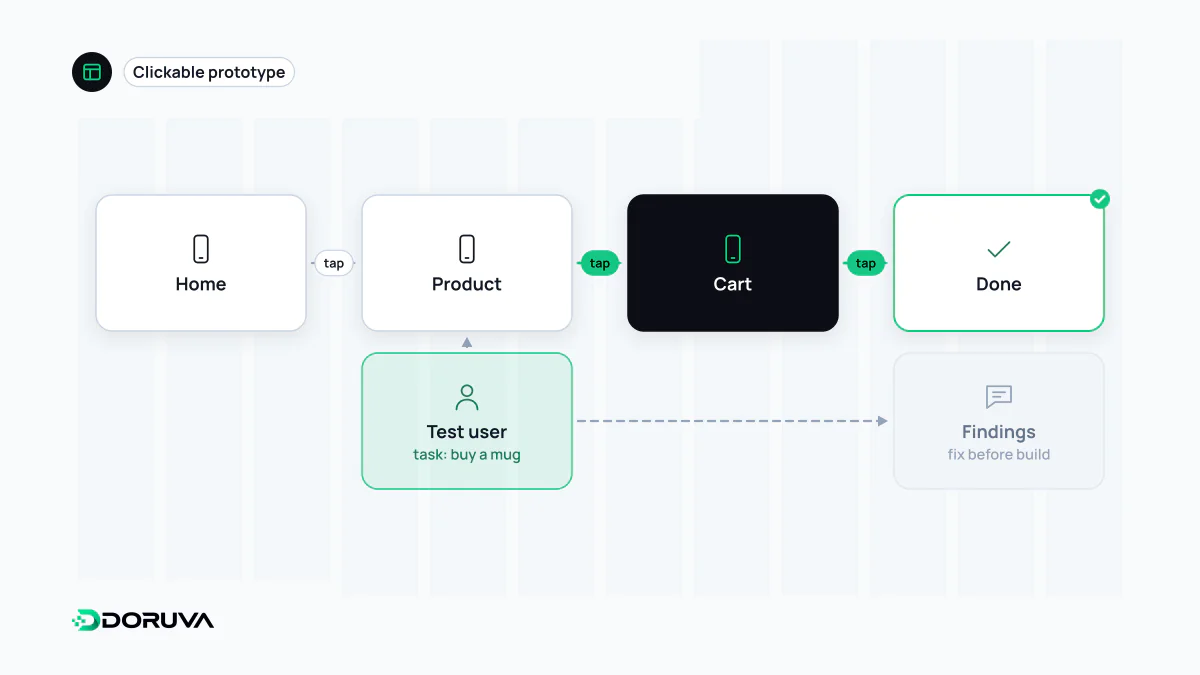
A prototype is an interactive or simulated early model of an interface or product, built to try out how it will work before the real thing is developed. It can range from linked paper sketches to clickable screens in a design tool or a coded draft running on real data. Its purpose is to answer a specific question about flow or behaviour quickly and cheaply.
Also known as: mockup, clickable prototype, interactive prototype, prototyping
Start with the question, not the tool
A prototype earns its keep by answering a question, not by looking real. "Can shoppers find the delivery options at checkout?" can be tested with a rough flow of four screens. "Does the animation on the filter panel slow people down?" needs much higher visual and interaction detail. Build a prototype before the question is clear and it either costs too much or changes no decisions at all.
That is why a well-run prototyping round writes three things down first: the assumption being tested, the task that will test it ("move your appointment to Tuesday"), and the result that would make the team change the design.
Fidelity has more than one dial
"Low" versus "high" fidelity is a blunt split. In practice a prototype can sit at different levels on different axes:
| Dimension | Low | High |
|---|---|---|
| Visual | Grey boxes, hand-drawn | Final colour, typography and imagery |
| Content | Placeholder headings | Real copy, real product names and prices |
| Interaction | Screen-to-screen links | Validation, transitions, error states |
| Data | One hard-coded record | Live or realistic data sets |
A visually plain prototype with real copy usually tells you more about whether the wording works than a polished one filled with placeholders. Choosing fidelity axis by axis, according to the question, puts the effort where it pays.
Where mockups fit
A mockup is a static image of the finished screen: colour, type and photography in place, nothing clickable. It is used for visual sign-off and to hand measurements to developers. A wireframe settles structure, a mockup settles appearance, and a prototype settles behaviour. Link a set of mockups together so they can be clicked through and you have a high-visual-fidelity prototype.
Kinds of prototype you will meet
- Paper: the participant "taps" with a finger and a facilitator swaps in the next sheet. Hours to make, ideal for killing weak flow ideas early.
- Clickable design prototype: screens in a design tool joined by hotspots and transitions. The most common format for stakeholder reviews and remote usability tests.
- Coded prototype: built in HTML, CSS and JavaScript. Questions about real form behaviour, keyboard navigation, many screen sizes or live data can only be answered this way.
- Wizard of Oz: the interface appears automated while a person produces the responses behind the scenes. It shows how people react to a recommendation engine or AI feature before anyone builds one.
All of these exist to test interaction design decisions before code is written, and to put them in front of participants as part of UX research. You rarely need to prototype a whole user journey; the two or three riskiest steps are usually enough.
A prototype is not an MVP
The two are often confused. A prototype is built to learn and is usually thrown away; there is no real infrastructure behind it. A minimum viable product is a limited but working product released to real users. It is tempting to tidy up a coded prototype and ship it, but the shortcuts taken for speed (hard-coded data, thin error handling, no security review) turn into expensive debt in production. Deciding at the outset whether a prototype is throwaway or evolutionary takes most of that risk off the table.