

What is Low-Code and No-Code?
Definition
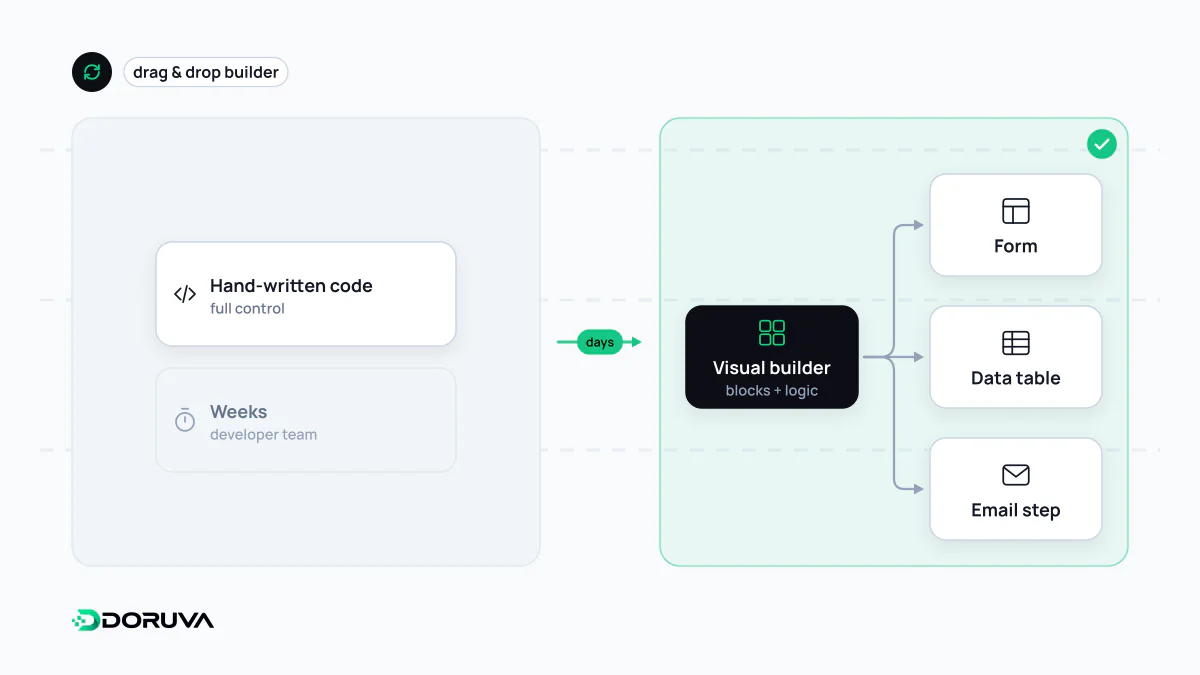
Low-code and no-code are platform approaches that let people build applications with visual editors, drag-and-drop interfaces and prebuilt components instead of writing every line of code. No-code tools are fully visual and aimed at non-technical users; low-code platforms are visual first but let developers add custom code where needed. Both work well for forms, internal tools, approval workflows and simple data apps.
Also known as: low code, no-code, no code, LCAP, low-code development platform
Two labels on one spectrum
Low-code and no-code are usually presented as separate categories, but they are two ends of the same spectrum: how much of an application is assembled visually and how much is written as code. Most platforms sit somewhere along it, and marketing tends to blur the line.
| No-code | Low-code | |
|---|---|---|
| Intended builder | Business teams, “citizen developers” | Developers and technical analysts |
| Extensibility | Limited to the platform's components and connectors | Custom code, scripts and external API calls |
| Typical use | Forms, simple databases, workflow automation, brochure sites | Internal business apps, admin panels, integration layers |
| Example product types | Automation tools such as Zapier and Make; Airtable; Webflow | Application platforms such as Microsoft Power Apps, OutSystems, Retool |
Where it genuinely saves time
- Internal tools: a request tracker, a stock-count screen or an approval form for one team can be running within days.
- Glue between systems: pushing a form submission into the CRM, posting to a chat channel, appending a spreadsheet row. This kind of automation is where no-code tools are strongest.
- Validating an idea: standing up a minimum viable product quickly to see whether anyone wants it.
- Departmental apps: few users, simple rules that change often.
The common thread: the process is standard, the audience is small, and the application itself is not what differentiates the business.
Where the limits show
Visual development is fast as long as you stay on the path the platform anticipated. Leaving it gets expensive quickly:
- Complex logic: multi-condition pricing, custom permission rules or heavy calculations turn into flow diagrams nobody can read or safely change.
- Engineering practice: version control, code review, automated testing and promotion between environments are limited on many platforms or reserved for top tiers.
- Scale: record counts, run counts and API call quotas are set by the vendor.
- Cost curve: per-user or per-task pricing is cheap at small scale and can overtake the cost of custom development as usage grows.
- Governance: apps built without IT's knowledge (“shadow IT”) can move personal data and access rights to places nobody audits.
Vendor lock-in
The least discussed risk is that your application logic lives in a proprietary format. You can usually export the data as CSV; you cannot export the workflows, screens and rules. Leaving the platform typically means rebuilding. A price change, a removed feature or an acquisition of the vendor lands directly on your operations.
The risk is manageable. Keep data somewhere exportable and backed up, document the flows, put critical business rules behind an API outside the platform where possible, and agree an exit plan before you depend on it.
Signals that it is time for custom software
The useful question is not “low-code or code?” but “at what point will this application hit the platform's ceiling?” If workarounds for missing features keep piling up, if licence costs approach the cost of a development team, or if the application has become part of how the business competes, it is worth evaluating custom software. Hybrid setups are common: core business logic runs in a custom back end, and simple internal screens built with a low-code tool talk to its API. You keep the speed without locking critical logic into a vendor, and technical debt stays visible.