

What is Logging?
Definition
Logging is the practice of recording events that occur while an application or server runs, each with a timestamp, a severity level and contextual details. Logs are used for debugging, investigating security incidents and keeping an audit trail. Good logs are structured so machines can parse them, and they never contain secrets such as passwords or tokens, or more personal data than the purpose requires.
Also known as: logs, application logging, structured logging, log management, log levels
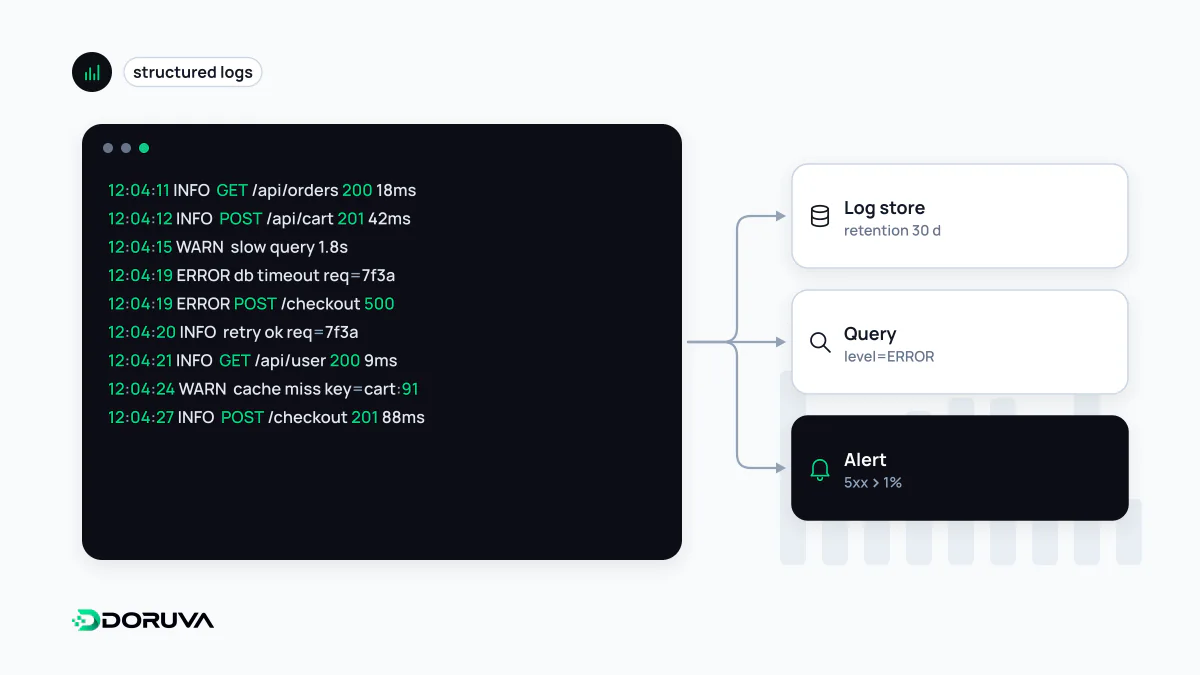
What a useful log line contains
When an alert fires at midnight, logs are often the only evidence you have. A useful line answers a few questions for someone who was not there: when it happened (ideally UTC with millisecond precision), how serious it is (the level), what happened (a short, stable message) and in which context (request ID, service name, version, the ID of the record involved). “An error occurred” answers none of them.
Structured logs beat free text
Free-text logs read nicely, but searching thousands of them means wrestling with regular expressions. In structured logging each entry is an object with named fields, usually JSON, so your log platform can answer “errors from payment-service version 2.14.0 in the last hour” directly.
// Free text
2026-10-03 09:41:12 ERROR payment failed order 1042 [email protected]

// Structured
{"ts":"2026-10-03T09:41:12.418Z","level":"error","service":"payment-service",
 "version":"2.14.0","msg":"payment declined","orderId":1042,
 "provider":"bank-x","reason":"insufficient_funds","traceId":"4bf92f3577b34da6a3ce929d0e0e4736"}
Notice that the structured version drops the email address; the order ID is enough to look the customer up in systems that are authorised to hold that data. The traceId field connects the line to the distributed trace of the same request.
Log levels that mean something
| Level | Use it for | Example |
|---|---|---|
| DEBUG | Development and short investigations; usually off in production | Intermediate discount calculations |
| INFO | Normal but notable business events | Order created, batch finished |
| WARN | Unexpected, but the system coped | External API slow, request retried |
| ERROR | An operation failed and may need attention | Payment provider unreachable |
| FATAL / CRITICAL | The process cannot continue | No database connection, shutting down |
Logging everything as ERROR buries the real failures. A user mistyping a password is not an application error, but hundreds of failed attempts per minute against one account is a security event worth recording and alerting on.
Never log secrets or unnecessary personal data
Logs are typically readable by a wider group than the production database, shipped to third-party services and kept for a long time, so anything written there widens your exposure. The OWASP Logging Cheat Sheet lists data that should usually not be logged directly, including passwords, session identifiers, access tokens, database connection strings, encryption keys and payment card data, and recommends removing, masking or hashing it.
- Do not dump whole requests. An
Authorizationheader or a password field in a form body is the most common leak. Log an allow-list of fields or mask sensitive ones automatically. - Minimise personal data. Names, emails, phone numbers and often IP addresses count as personal data. Keeping them in logs is processing under laws such as GDPR and Turkey's KVKK, which means a defined purpose, retention period and access control. An internal ID or pseudonym is usually enough.
- Prevent log injection. User input containing line breaks can forge fake log entries. Structured logging libraries escape values and largely remove this risk.
Keeping credentials out of code and logs alike is part of the broader practice of secrets management.
Recording security events
Logs are not only for debugging; they are how you notice an attack and reconstruct it afterwards. Record successful and failed logins, denied authorisation checks, password and email changes, administrative actions and input validation failures. Those records are what make a brute-force attack visible early. Store security logs away from the application servers, append-only and with restricted access, so an intruder cannot erase their tracks. For how logs fit together with metrics and traces, see observability.